


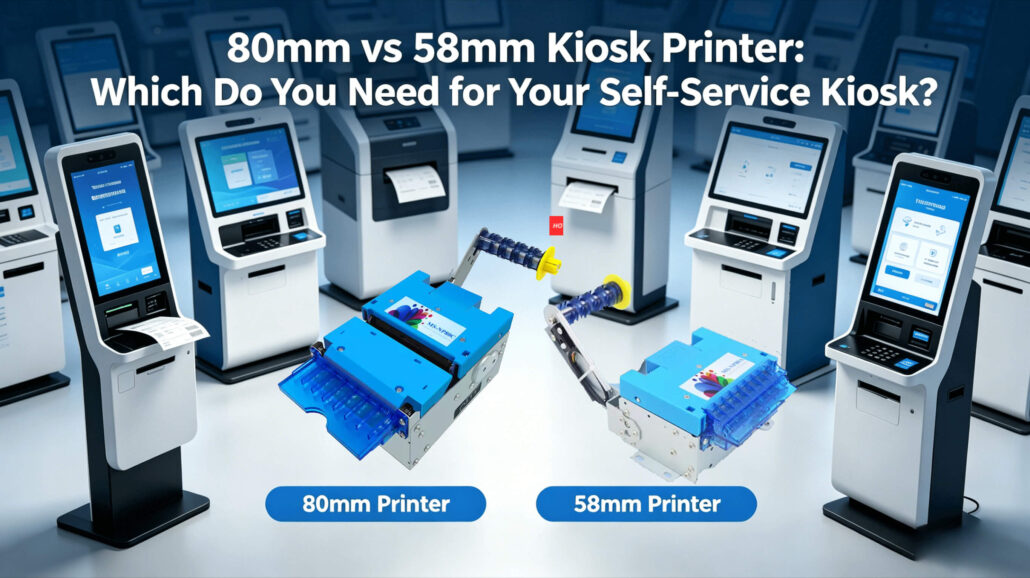
80mm vs 58mm Kiosk Printer: Which Do You Need for Your Self-Service Kiosk?
Introduction
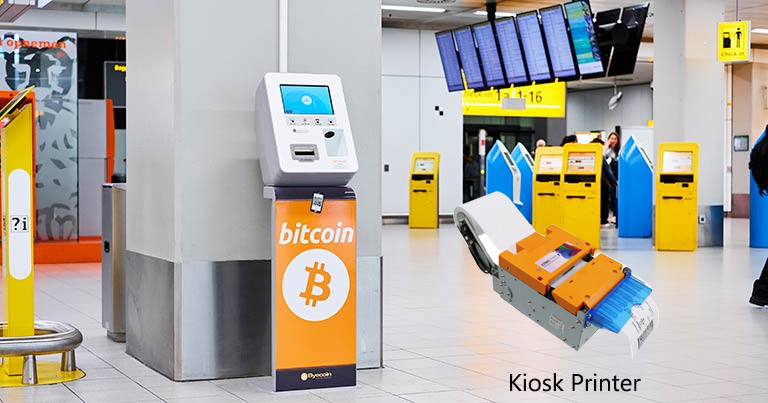
You’re building a self-service kiosk. You’ve chosen the touchscreen, the payment module, the card dispenser, and the mini PC. Then you hit a question that seems simple but has far‑reaching consequences: Should I use an 58mm or an 80mm kiosk printer?
The answer affects everything – from how much information fits on a receipt, to how often staff must change paper, to how customers perceive your brand. In this guide, we will compare both formats side by side, look at real‑world use cases, and help you make the right decision for your self‑service deployment.
Quick Summary
Most self‑service kiosks – especially for retail, QSR, ticketing, and healthcare – need an 80mm thermal kiosk printer. It provides more space for itemised receipts, modifiers, QR codes, and promotional messages, and it projects a professional brand image.
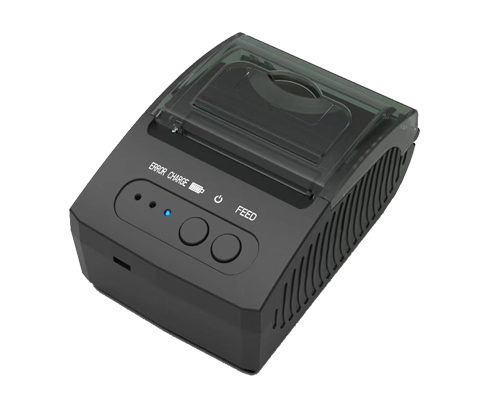
58mm kiosk printers are a good fit only for very simple receipts (e.g., parking tickets, small coffee shop orders) where portability and a compact footprint are the top priorities.
At a Glance: 58mm vs 80mm Kiosk Printer
Feature 58mm Kiosk Printer 80mm Kiosk Printer Paper width 58 mm (≈2.3 inches) 80 mm (≈3.1 inches) Effective print width ~48 mm ~72 mm Characters per line 24‑32 40‑48 Typical applications Parking tickets, small receipts, basic labels Retail receipts, restaurant orders, event tickets, medical summaries Customer perception Basic, functional Professional, substantial Paper cost per roll Lower Moderately higher Best for Space‑constrained kiosks, simple transactions High‑volume, information‑rich environments Why the Printer Choice Matters More Than You Think
1. Receipt Space & Readability
An 80mm thermal kiosk printer can display roughly twice as many characters per line as a 58mm model. That extra space directly improves customer experience:
Long product names (e.g. “Organic Avocado Toast with Poached Egg”) fit on one line.
Modifiers (“no onions, extra cheese, side of bacon”) stay attached to the item.
Promotional messages and loyalty QR codes can be added without cluttering the receipt.
A crowded, line‑wrapped 58mm receipt often leads to customer confusion and extra support calls. Many retailers have reported that switching to 80mm reduced “what does this charge mean?” questions by nearly 40%.
2. Professional Image
For most businesses, the receipt is the last physical touchpoint with a customer. A clean, well‑organised 80mm receipt signals professionalism. A cramped 58mm receipt can look “budget” – a poor fit for mid‑range or premium brands.
3. Operational Efficiency
80mm paper rolls typically last longer because they hold more paper (larger outer diameter). For high‑traffic kiosks – think a busy supermarket self‑checkout or an airport ticketing kiosk – this means fewer paper changes and less staff intervention.
Industry‑Specific Analysis
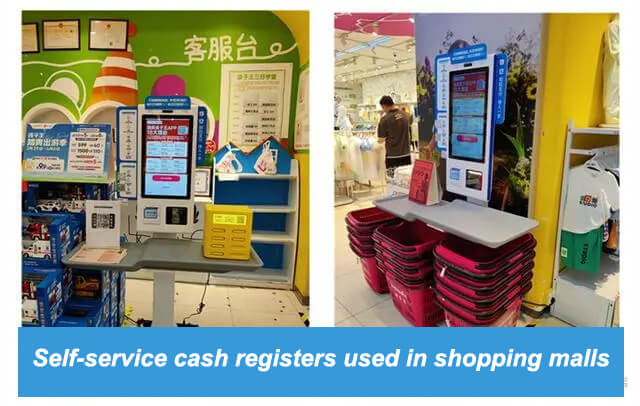
Self‑Checkout Kiosks (Retail & Grocery)
Recommendation: 80mm kiosk printer
Modern self‑checkout receipts contain:
A list of 10–30 items
Promotional discounts (“Buy 2, Save $1”)
Loyalty points earned
Return policy and digital receipt QR code
All of this information requires space. 80mm is the de facto industry standard for retail self‑checkout.
Case study – Regional grocery chain (USA): After upgrading from 58mm to 80mm printers at 50 self‑checkout lanes, the chain saw a 32% reduction in “receipt confusion” calls and a 15% increase in customers scanning loyalty QR codes because the code was finally large enough to read easily.
Self‑Ordering Kiosks (QSR & Fast Food)
Recommendation: 80mm kiosk printer
Quick‑service receipts are surprisingly information‑dense:
Customised burgers (“no pickles, add bacon”)
Combo meals with side choices
Order numbers and estimated wait time
80mm printers let you display all this clearly. A messy 58mm receipt often leads to wrong orders – which hurts both customer satisfaction and food waste.
Case study – Burger chain (UK): The chain deployed self‑ordering kiosks with 58mm printers and saw a 12% order error rate. After switching to 80mm thermal printers, the error rate dropped to 4%. The extra space for modifiers made the difference.
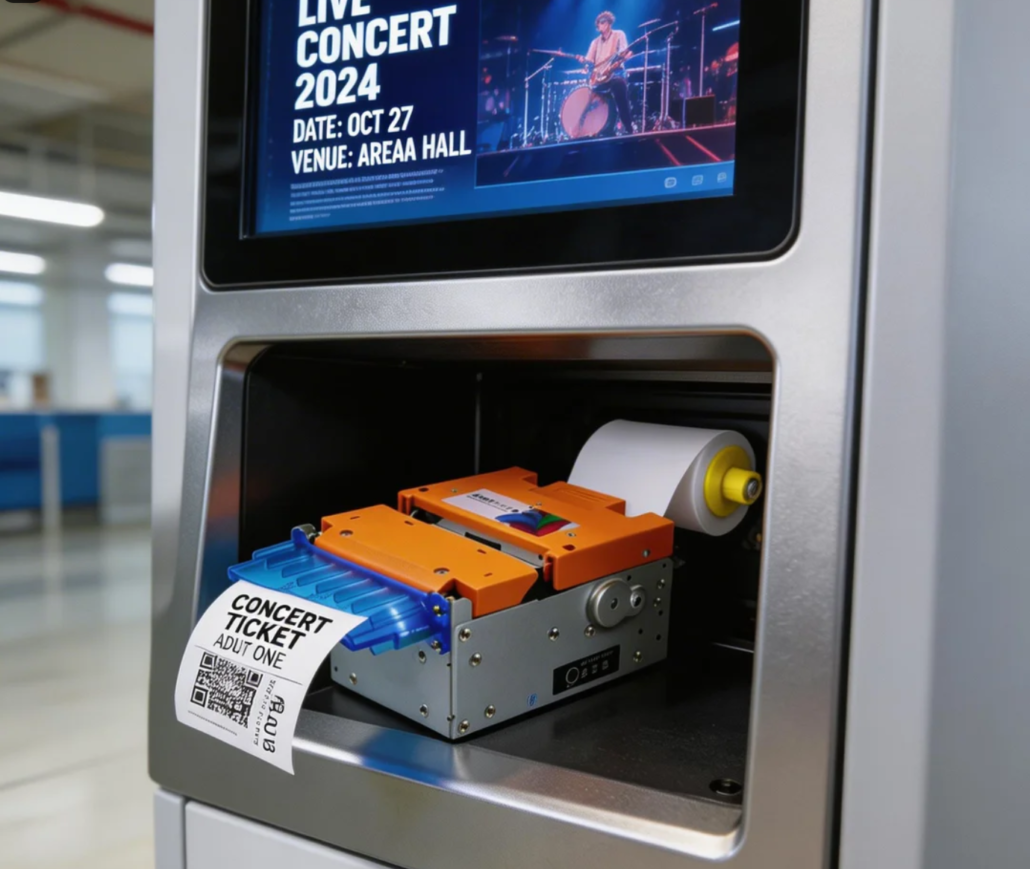
Ticketing Kiosks (Transportation, Events, Cinema)
Recommendation: 80mm kiosk printer
Tickets need to include:
Event / route name
Date, time, seat number
QR code / barcode for validation
Terms & conditions
Most ticketing standards (e.g., IATA boarding passes, event industry) are designed for 80mm paper. Using 58mm often results in illegible barcodes or cut‑off information, leading to validation failures at the gate.
Case study – European rail operator: Replaced 58mm ticket printers with 80mm models at 200 self‑service ticketing kiosks. Barcode scan success rate improved from 89% to 99.5%, dramatically reducing queue times at ticket gates.
Parking Ticket Kiosks
Recommendation: 58mm or 80mm (depends on features)
For basic “entry time – exit time – fee” receipts, 58mm is often sufficient. However, if you want to print QR codes for mobile payment or advertising messages, 80mm is the better choice.
Healthcare / Patient Check‑in Kiosks
Recommendation: 80mm kiosk printer
Healthcare receipts can include:
Appointment time, doctor name, room number
Preparation instructions (e.g., “fasting required”)
HIPAA notices and follow‑up information
Clarity is critical in healthcare. 80mm is the safer, more professional option.
Technical Considerations for Integrators
Paper Loading & Maintenance
Most modern 80mm kiosk printers support front drop‑in paper loading – as easy as 58mm models. Maintenance frequency depends on paper roll capacity, not printer width. Many 80mm printers accept large rolls (up to 180 mm diameter) , reducing change frequency compared to a compact 58mm unit with a small roll.
Auto‑Cutter Reliability
For unattended kiosks, an auto‑cutter is essential. Both 58mm and 80mm printers can be equipped with cutters rated for 1.5 million cuts. The critical factor is whether the cutter supports partial cut (ticket stays attached until pulled) or full cut. This is independent of paper width.
Interface & Integration
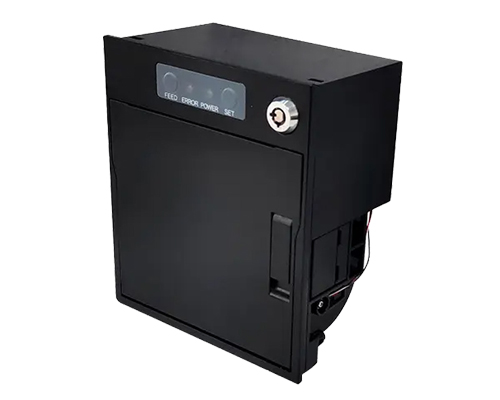
SNR kiosk printers support:
RS232 – Standard for industrial controllers
USB – Virtual COM port for PC‑based kiosks
Ethernet – Network monitoring and remote status
TTL – For embedded systems
Choose the interface that matches your kiosk controller. All options are available on both 58mm and 80mm SNR models.
Cost Analysis: 58mm vs 80mm
Paper Cost
Paper size Cost per roll (typical) Rolls per year (100 receipts/day) Annual paper cost 58mm $0.80 – $1.20 ~730 $584 – $876 80mm $1.00 – $1.50 ~730 $730 – $1,095 The annual difference is modest (about $150–$200) – negligible for most businesses compared to the operational benefits of 80mm.
Printer Hardware Cost
High‑quality 80mm kiosk printers are only slightly more expensive than equivalent 58mm models. The price gap is typically less than 15%.
Hidden Costs of 58mm
Higher support costs due to customer confusion
More frequent paper changes (smaller rolls)
Missed upselling opportunities (no room for promotions)
When you factor these in, 80mm often becomes the more cost‑effective choice.
Decision Framework: How to Choose
Choose 58mm if:
Your receipts contain only 1–3 items with no modifiers
You do NOT print QR codes or barcodes
Kiosk space is extremely limited (e.g., small‑form‑factor kiosk)
Portability is a priority (e.g., handheld device)
Choose 80mm if:
Your receipts contain 4+ items or detailed modifiers
You print QR codes, barcodes, or promotional messages
Brand image and customer perception matter
Your kiosk runs in a high‑traffic environment (retail, QSR, ticketing, healthcare)
Still unsure? SNR offers dual‑size models
The SNR‑EP8301 supports both 58mm and 80mm paper in the same printer. This is ideal for:
Kiosk manufacturers who want one SKU for multiple applications
Operators who may change receipt requirements over time
Testing which size works best before committing to a single format
SNR Kiosk Printer Recommendations
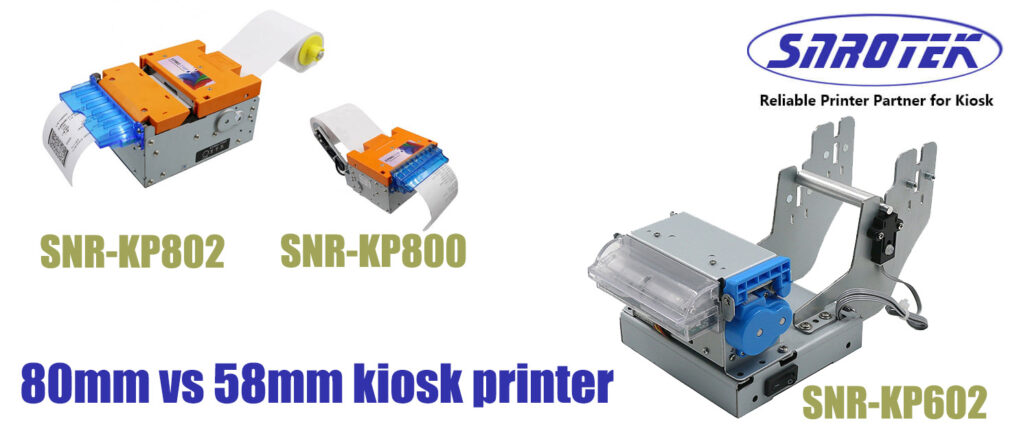
Model Paper width Auto‑cutter Speed Best for SNR‑KP802-VX 80mm only Yes (1.5M cuts) 250 mm/s Retail, QSR, ticketing SNR‑EP8304 58mm + 80mm (dual‑size) Yes 200 mm/s Versatile / multi‑application SNR‑KP602 58mm only Optional 150 mm/s Parking, simple receipts All SNR printers feature:
Front drop‑in paper loading
Paper‑low sensor
MTBF > 300,000 hours
1‑year warranty
Conclusion
Application Recommended printer size Self‑checkout (retail / grocery) 80mm Self‑ordering (QSR / fast food) 80mm Ticketing (transport / events / cinema) 80mm Patient check‑in (healthcare) 80mm Parking ticket 58mm or 80mm Simple receipt (e.g., coffee shop) 58mm or 80mm Bottom line: For the vast majority of self‑service kiosk applications, the 80mm kiosk printer is the right choice. It delivers better readability, a more professional brand image, and fewer operational headaches – all for a modest increase in paper cost.
If you need flexibility, SNR’s dual‑size models (EP8304) let you switch between 58mm and 80mm as your business evolves.
Ready to choose the right printer for your kiosk?
Contact SNR for technical advice, sample testing, or volume pricing.
Get a quote for your project
Request a sample for testing
Download technical datasheets
Call to Action
“Not sure which kiosk printer fits your self‑service deployment? SNR’s engineering team will review your application and recommend the optimal model – at no charge.”
👉 Talk to an SNR kiosk printer specialist today
Want to optimise your kiosk hardware further? Read our related guides: