


Blog
How to Choose a Kiosk Printer for Banking Self-Service Terminals

Introduction
Banking self-service terminals operate in environments where reliability, transaction accuracy, and continuous availability are essential.
Unlike retail receipt printers or office printing devices, banking kiosk printers often become part of a larger financial service infrastructure that must operate consistently throughout the day.
For this reason, experienced banking system integrators typically evaluate more than print speed or basic specifications when selecting a kiosk printer.
This guide explains the key considerations that influence printer selection in modern banking self-service deployments.
Key Takeaways
- Banking deployments prioritize availability and reliability over peak printing performance.
- Maintenance efficiency directly affects operating costs across large branch networks.
- Controlled document delivery is often more important than print speed.
- Linux support and SDK availability influence integration efficiency and project timelines.
- Experienced banking integrators typically evaluate uptime rather than hardware specifications alone.
Why Banking Applications Have Unique Requirements
Banking terminals differ from many other self-service systems.
They frequently handle:
- Transaction receipts
- Queue tickets
- Service confirmations
- Customer records
- Payment acknowledgements
These documents often become part of the customer experience and operational workflow.
Printer downtime can therefore affect both service efficiency and customer satisfaction.
As a result, banking projects usually prioritize stability and long-term serviceability over benchmark performance figures.
 Reliability Matters More Than Peak Performance
 Reliability Matters More Than Peak Performance
Many printer specifications emphasize:
- Print speed
- Resolution
- Interface options
While important, banking deployments typically focus on operational consistency.
A printer that performs reliably for years may create more value than one that offers slightly higher printing speed.
Experienced integrators often evaluate:
- Expected service life
- Maintenance requirements
- Deployment history
- Environmental suitability
before comparing performance specifications.
Maintenance Accessibility Influences Operational Cost
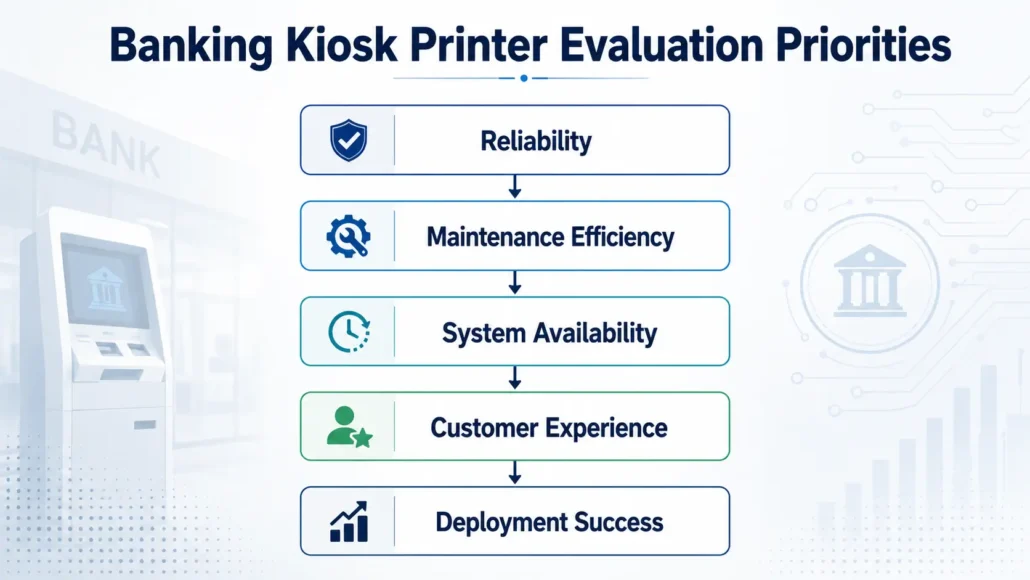
Banking equipment may be deployed across:
- Branch networks
- Service centers
- Financial institutions
- Government payment facilities
As deployment scale increases, maintenance efficiency becomes increasingly important.
Questions commonly asked include:
- How quickly can paper be replaced?
- Can routine service be performed without removing the printer?
- How often is maintenance required?
- How easy is access inside the kiosk?
These considerations often influence total operating cost throughout the deployment lifecycle.
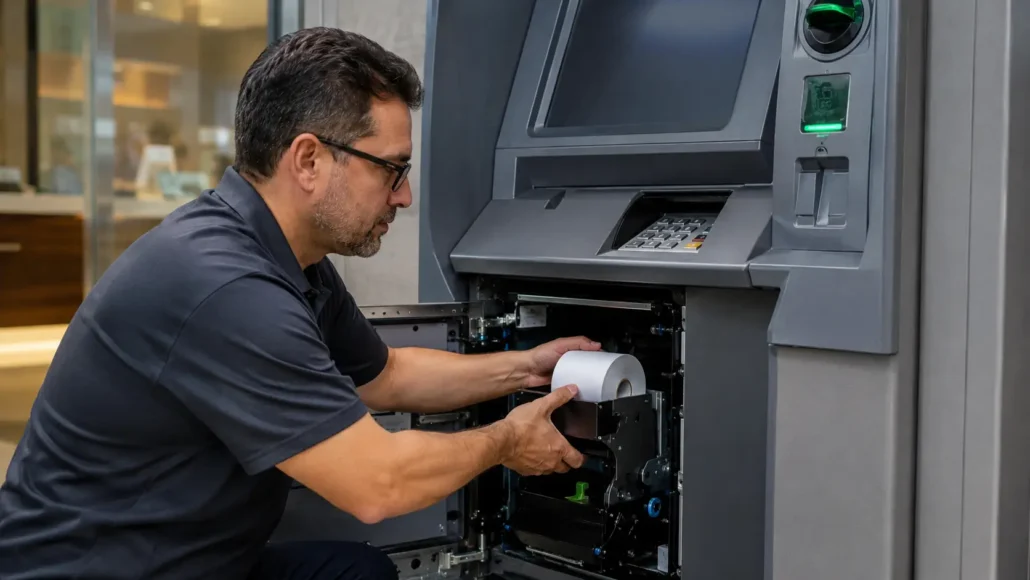
Paper Capacity Can Reduce Service Frequency
Although banking terminals typically generate fewer tickets than transportation systems, paper replacement remains an operational consideration.
Larger paper roll capacity may provide:
- Longer unattended operation
- Reduced service visits
- Lower maintenance frequency
- Improved uptime
This is especially important for terminals operating during weekends, holidays, or extended service hours.
A Branch Network Example
Consider a financial institution operating self-service terminals across dozens or hundreds of branch locations.
If routine paper replacement can be reduced through larger paper capacity and efficient maintenance procedures, operational teams may significantly reduce service visits over the lifetime of the deployment.
This is one reason many banking integrators evaluate maintenance efficiency and serviceability alongside traditional printer specifications.
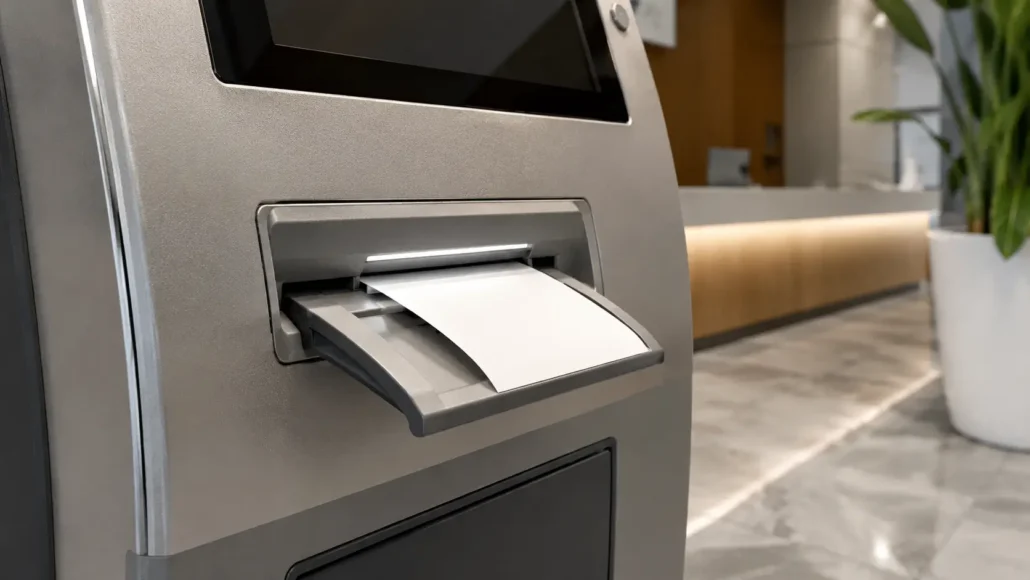
Security and Controlled Ticket Handling
Certain banking applications require more controlled document delivery.
Examples include:
- Queue ticket systems
- Transaction confirmation receipts
- Service authorization documents
In these situations, integrators may evaluate:
- Presenter functionality
- Ticket detection
- Anti-pull mechanisms
- Controlled document delivery
The appropriate configuration depends on the service workflow and customer interaction model.
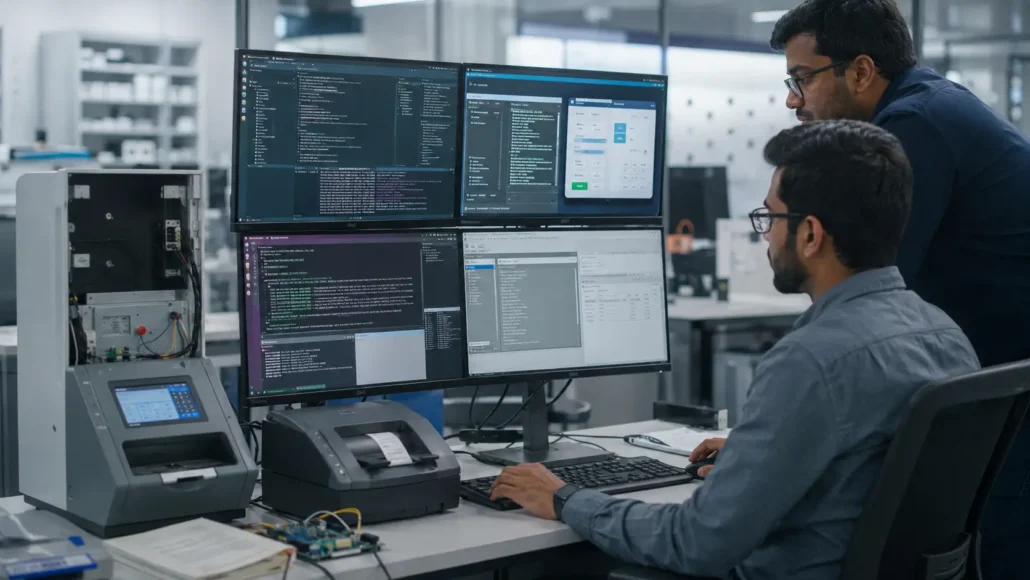
Linux Support and SDK Availability
Modern banking terminals frequently operate on customized software platforms.
For this reason, software integration capabilities often become part of the hardware evaluation process.
Common questions include:
- Is Linux supported?
- Is an SDK available?
- Can applications monitor printer status?
- Are integration resources available?
- Is technical documentation provided?
Reliable integration support can significantly reduce project development time.
Why Uptime Is Critical in Banking Deployments
Customers expect banking terminals to remain available whenever services are needed.
Printer-related interruptions can lead to:
- Service delays
- Customer frustration
- Additional support costs
- Increased maintenance workload
As a result, experienced banking system providers often evaluate uptime as one of the most important deployment metrics.
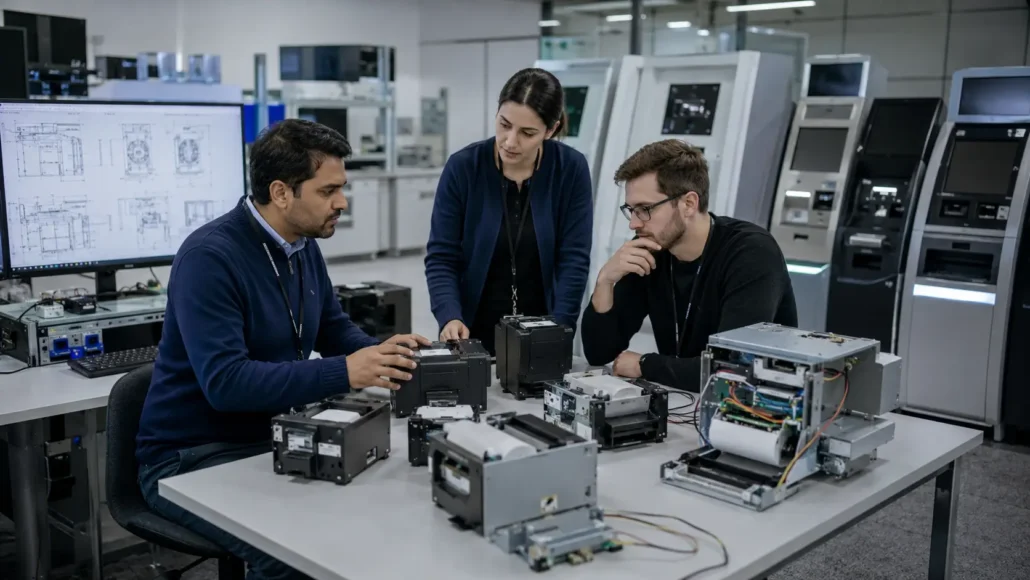
What Banking Operators Often Discover After Deployment
Many banking projects begin by evaluating printer specifications such as print speed, communication interfaces, and hardware features.
After deployment, operational priorities often change.
Bank operators frequently discover that maintenance efficiency, paper replacement procedures, document handling reliability, and uptime have a greater impact on customer experience than benchmark performance figures.
In branch networks and self-service banking environments, even short periods of printer downtime can affect service availability and increase support workload.
For this reason, experienced financial service providers often prioritize operational stability over peak performance specifications.
Recommended Kiosk Printers for Banking Applications
SNR-KP802-VX
Recommended for:
- High-volume banking terminals
- Financial service kiosks
- Receipt-intensive applications
Advantages:
- Large paper roll capacity
- Presenter functionality
- Linux support
- Long unattended operation
SNR-KP800-VX
Recommended for:
- General banking self-service terminals
- Branch service kiosks
Advantages:
- Reliable operation
- Easy integration
- Flexible communication interfaces
SNR-KP602-VX
Recommended for:
- Queue ticket systems
- Compact banking terminals
Advantages:
- Presenter functionality
- Compact footprint
- Controlled ticket delivery
SNR-KP602-TM
Recommended for:
- Service counters
- Compact transaction kiosks
Advantages:
- Space-efficient design
- Easy maintenance
- Cost-effective integration
What Banking Operators Often Discover After Deployment
Many banking projects begin by evaluating printer specifications such as print speed, communication interfaces, and hardware features.
After deployment, operational priorities often change.
Bank operators frequently discover that maintenance efficiency, paper replacement procedures, document handling reliability, and uptime have a greater impact on customer experience than benchmark performance figures.
In branch networks and self-service banking environments, even short periods of printer downtime can affect service availability and increase support workload.
For this reason, experienced financial service providers often prioritize operational stability over peak performance specifications.
Common Banking Printer Selection Mistakes
When selecting a kiosk printer for banking self-service terminals, project teams sometimes:
- Focus primarily on printer specifications while overlooking operational requirements.
- Underestimate the impact of maintenance accessibility across multiple deployment locations.
- Ignore document delivery requirements when evaluating customer interaction workflows.
- Evaluate hardware without considering long-term uptime requirements.
- Treat software integration as a secondary consideration rather than part of the selection process.
Avoiding these mistakes can improve service availability, reduce maintenance costs, and simplify long-term deployment management.
Conclusion
Selecting a kiosk printer for banking self-service terminals requires balancing reliability, serviceability, integration requirements, and operational efficiency.
While technical specifications remain important, successful banking deployments are usually built around printers that minimize downtime, simplify maintenance, and integrate smoothly into the overall system architecture.
Experienced integrators therefore evaluate long-term deployment performance rather than focusing solely on benchmark specifications.