


Banking Self-Service Terminal Hardware Solutions
 Reliable Hardware for Modern Financial Self-Service Deployments
 Reliable Hardware for Modern Financial Self-Service Deployments
Modern banking self-service terminals have become an essential part of financial service delivery. From transaction receipts and queue ticket issuance to customer service workflows and payment processing, these systems must operate reliably while maintaining a seamless customer experience.
Successful deployments depend not only on software but also on selecting hardware that supports continuous operation, efficient maintenance, secure document handling, and long-term reliability.
This guide explores the hardware architecture commonly used in banking self-service terminals and the key considerations system integrators evaluate when planning financial kiosk deployments.
Understanding a Typical Banking Self-Service Terminal
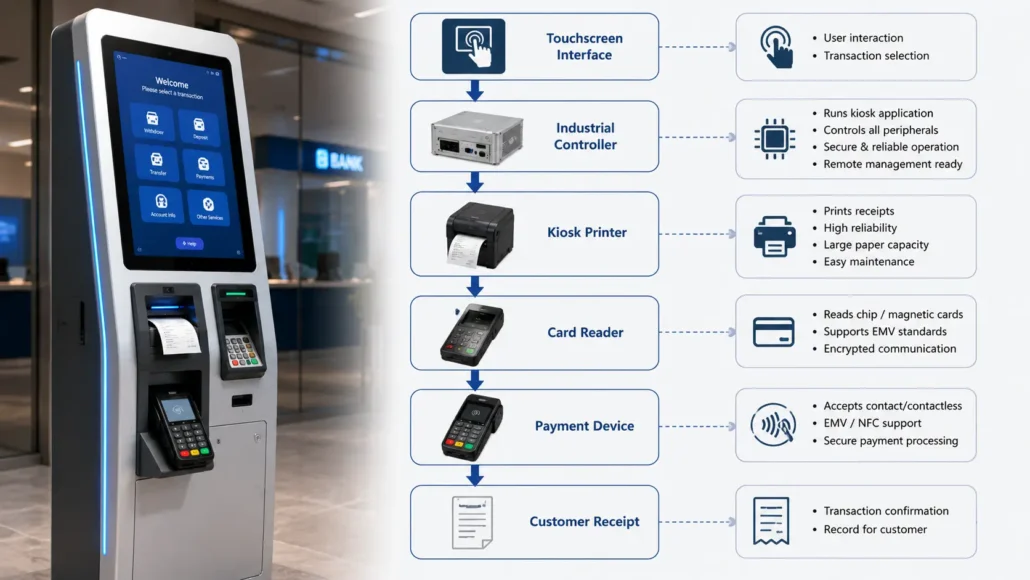
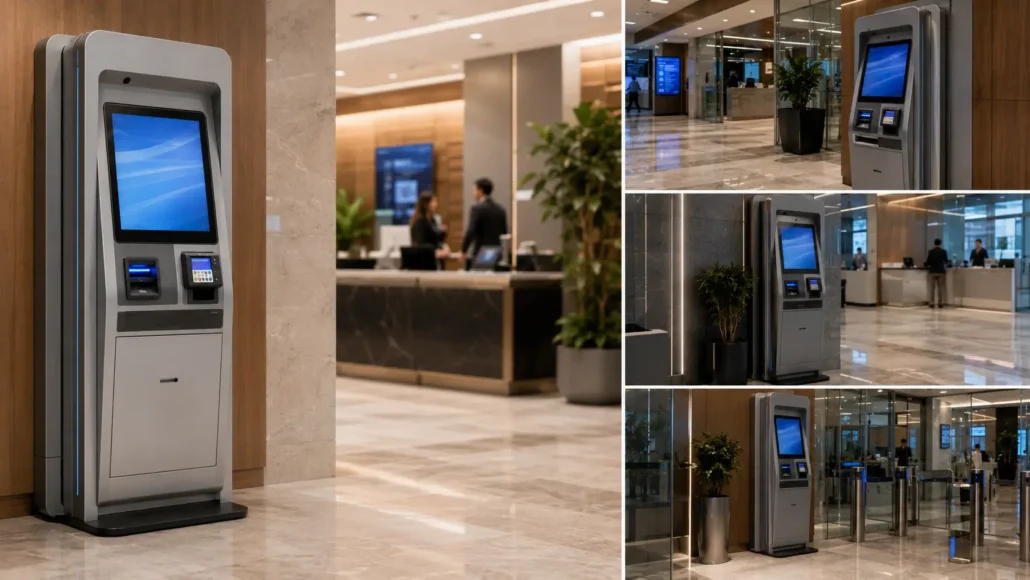
Banking self-service terminals commonly integrate multiple devices into a single platform.
Typical services may include:
- Transaction receipt printing
- Queue ticket issuance
- Service confirmations
- Payment processing
- Account service requests
- Customer authentication
To support these workflows, multiple hardware components must operate reliably within the terminal architecture.
DEPLOYMENT ARCHITECTURE DIAGRAM
Common Challenges in Banking Self-Service Deployments
Banking terminals form part of a larger financial service infrastructure where operational continuity directly influences customer satisfaction and service efficiency.
Common deployment challenges include:
- Continuous operation across branch networks
- Receipt availability during peak service periods
- Maintenance access inside compact enclosures
- Long-term hardware reliability
- Integration with customized banking software platforms
- Distributed operational support
Many projects initially focus on technical specifications. However, experienced integrators often discover that uptime, maintenance efficiency, and serviceability have a greater impact on deployment success than benchmark performance figures.
Core Hardware Components
Kiosk Printer
Responsible for:
- Transaction receipts
- Queue tickets
- Payment acknowledgements
- Service confirmations
Reliability and maintenance accessibility are often more important than maximum print speed.
Card Reader
Supports:
- Debit cards
- Credit cards
- Banking cards
- Customer authentication
Touchscreen Interface
Provides customer interaction and workflow navigation.
Industrial Controller
Manages software execution, device communication, and terminal operation.
Why Reliability Matters
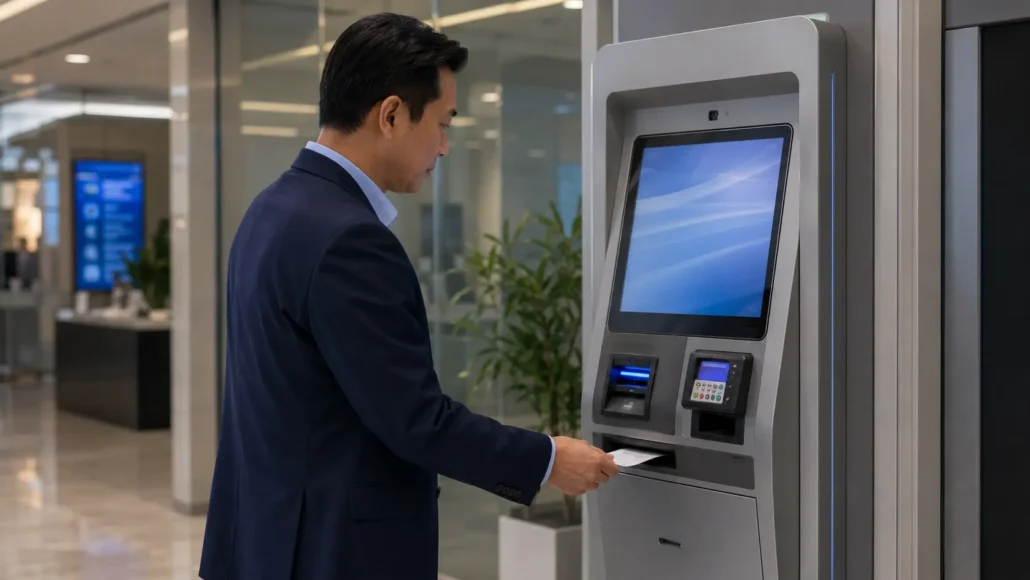
Banking customers expect terminals to remain available whenever services are needed.
Downtime may result in:
- Service disruption
- Customer dissatisfaction
- Increased support costs
- Additional maintenance visits
For this reason, reliability is often one of the most important evaluation criteria.
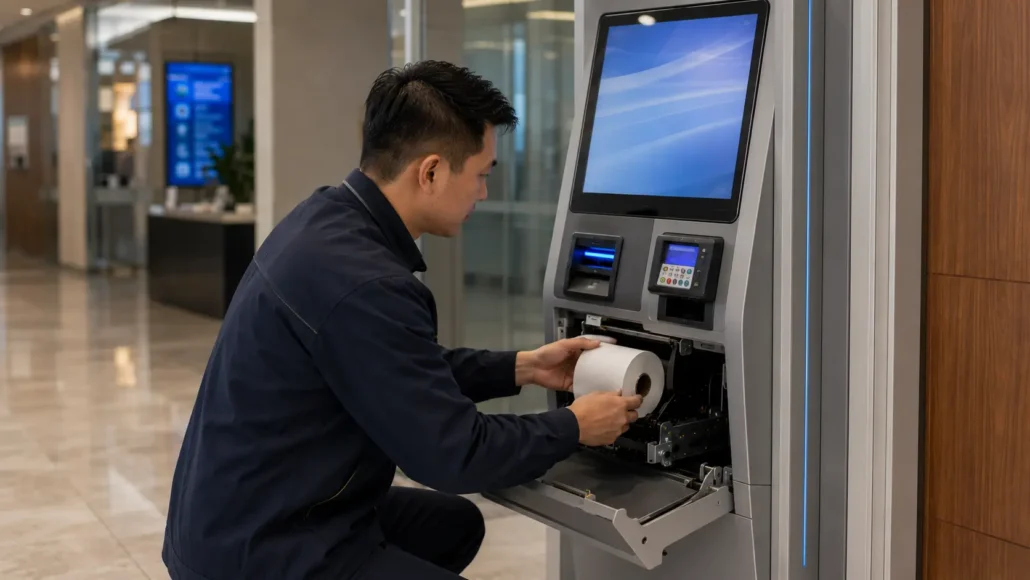
Why Maintenance Accessibility Matters
Large banking organizations may deploy self-service terminals across dozens or hundreds of locations.
Maintenance teams commonly evaluate:
- Paper replacement procedures
- Printer accessibility
- Service time requirements
- Consumable management
- Component replacement efficiency
Small improvements in maintenance efficiency can generate significant operational savings throughout the deployment lifecycle.
Hardware Selection Considerations
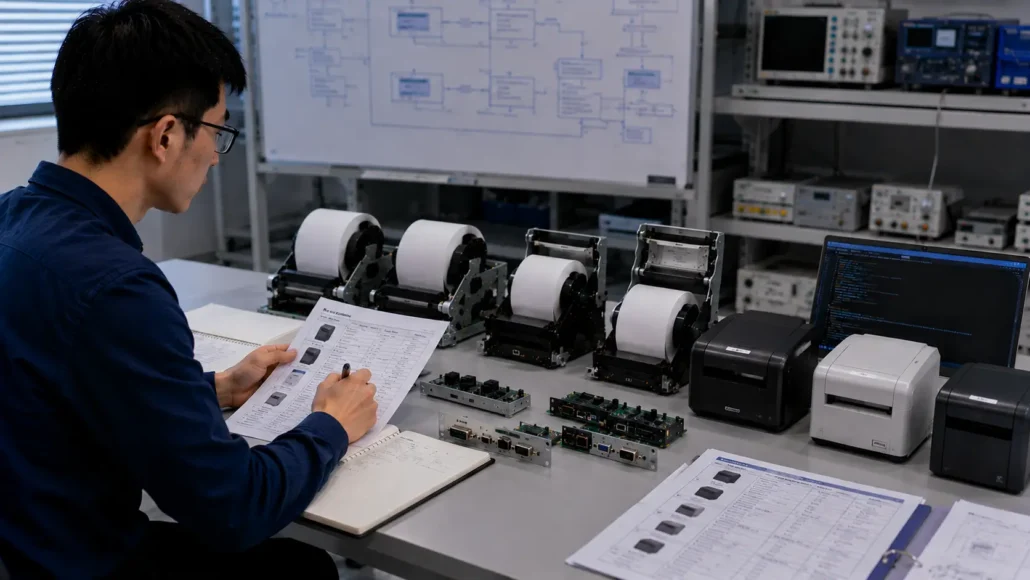
Experienced banking system integrators typically evaluate:
Reliability History
Long-term operational consistency often matters more than benchmark specifications.
Maintenance Accessibility
Service efficiency directly affects operating costs.
Paper Capacity
Larger paper rolls can reduce maintenance frequency and improve uptime.
Linux Compatibility
Linux remains a common platform for banking kiosk deployments.
SDK Availability
Development resources can significantly reduce integration effort.
Deployment Environment
Terminal usage patterns and operational requirements influence hardware selection.
Recommended Hardware
SNR-KP800-VX
Ideal for:
- Banking service kiosks
- Branch self-service terminals
Advantages:
- Flexible integration
- Linux support
- Easy maintenance
SNR-KP802-VX
Ideal for:
- High-volume financial service kiosks
- Receipt-intensive deployments
Advantages:
- Large paper roll capacity
- Presenter functionality
- Long unattended operation
SNR-KP602-TM
Ideal for:
- Queue ticket systems
- Compact banking terminals
Advantages:
- Compact footprint
- Easy integration
- Efficient maintenance
Why Choose SNRO
SNRO provides integration-ready hardware designed for self-service banking deployments.
Advantages include:
- Linux-compatible kiosk printer solutions
- SDK resources for software integration
- Multiple communication interfaces
- Global deployment experience
- Long-term technical support
- Driver and development tool availability
- Mechanical design resources
Our hardware is designed to simplify integration while supporting long-term unattended operation.
FAQ
What type of printer is commonly used in banking self-service terminals?
Embedded kiosk printers are commonly used for transaction receipts, queue tickets, and service confirmations.
Does Linux support matter for banking kiosks?
Yes. Many banking terminals operate on Linux-based platforms, making Linux compatibility an important evaluation factor.
Is presenter functionality necessary?
Presenter functionality can improve controlled document delivery and unattended operation performance.
How important is maintenance accessibility?
Maintenance accessibility directly influences operating costs, especially in large branch networks.
Which SNRO printer is recommended for banking applications?
KP800-VX, KP802-VX, and KP602-TM are commonly selected depending on transaction volume and deployment requirements.
Related Technical Downloads
- Kiosk Printer Linux Driver & SDK
- Kiosk Printer Windows Driver
- Kiosk Printer SDK Resources
- User Manuals
- Communication Protocol Documents
- CAD & Mechanical Drawings
Related Resources
- How to Choose a Kiosk Printer for Banking Self-Service Terminals
- Linux Kiosk Printer Integration Guide
- Kiosk Printer SDK Guide
- Why Paper Roll Capacity Matters More Than Many Teams Expect
- Queue Management System Hardware
- Visitor Management Kiosk
- Parking Ticketing Solutions
Need Technical Assistance?
Planning a banking self-service terminal project?
Whether you are evaluating kiosk printers, integrating Linux-based platforms, selecting receipt handling mechanisms, or designing a complete financial self-service terminal, SNRO can provide technical resources and engineering support to assist your deployment.
Contact our team to discuss your project requirements and hardware selection needs.