


Blog
Card Dispenser Preventive Maintenance Guide
Overview
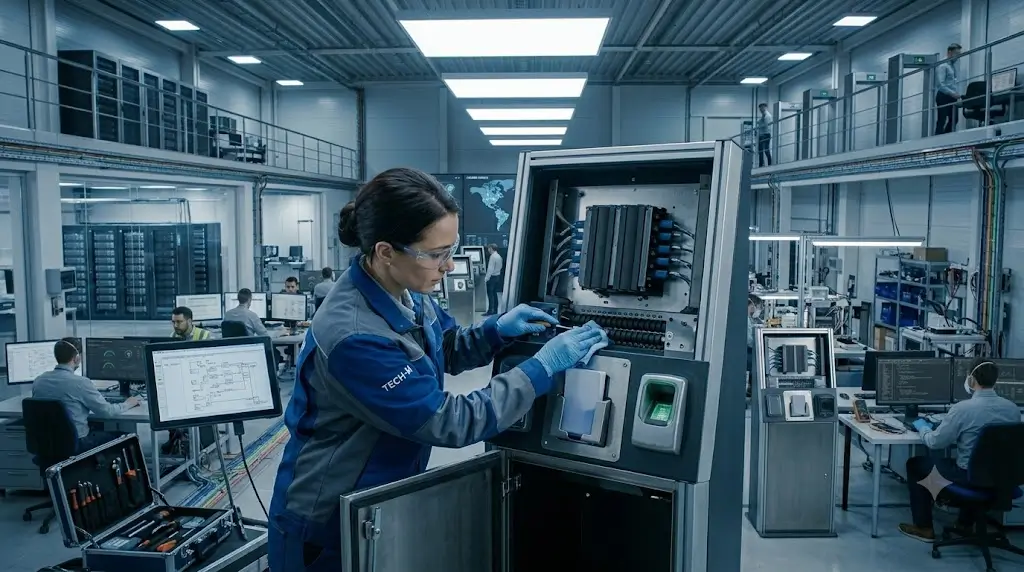
Card dispensers are commonly used in self-service kiosks, visitor management systems, access control terminals, hotel check-in kiosks, membership card issuance systems and other unattended applications.
Most card dispenser failures do not happen suddenly.
In many cases, performance gradually declines over time due to dust accumulation, card contamination, roller wear, sensor blockage or environmental conditions.
Card dispenser maintenance helps identify these issues before they cause service interruptions.
This guide explains how experienced operators and system integrators maintain card dispensers to improve long-term reliability and reduce unexpected downtime.
Why Preventive Maintenance Matters
Many projects initially focus on hardware specifications and software integration.
Maintenance planning is often overlooked until problems appear.
A typical pattern looks like this:
New Deployment
↓
Stable Operation
↓
Minor Card Handling Issues
↓
Occasional Dispensing Errors
↓
Frequent Service Calls
↓
Unexpected Downtime
Preventive maintenance interrupts this cycle.
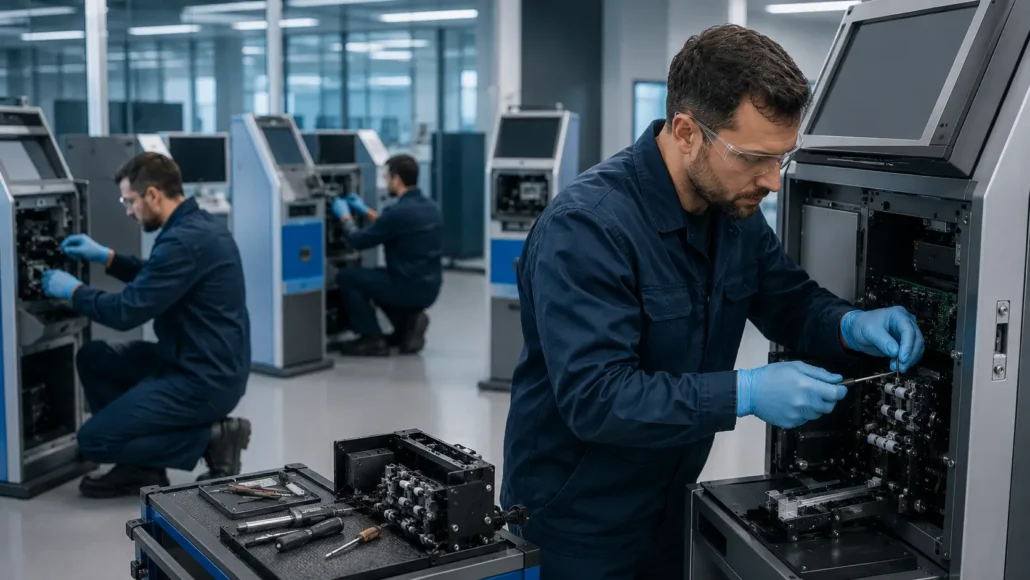
Instead of waiting for failures, maintenance teams perform regular inspections and cleaning procedures to maintain stable performance.
A structured card dispenser maintenance program can significantly reduce service interruptions and improve long-term reliability.

Common Causes of Card Dispenser Problems
Understanding the causes of card dispenser failures helps define an effective maintenance schedule.
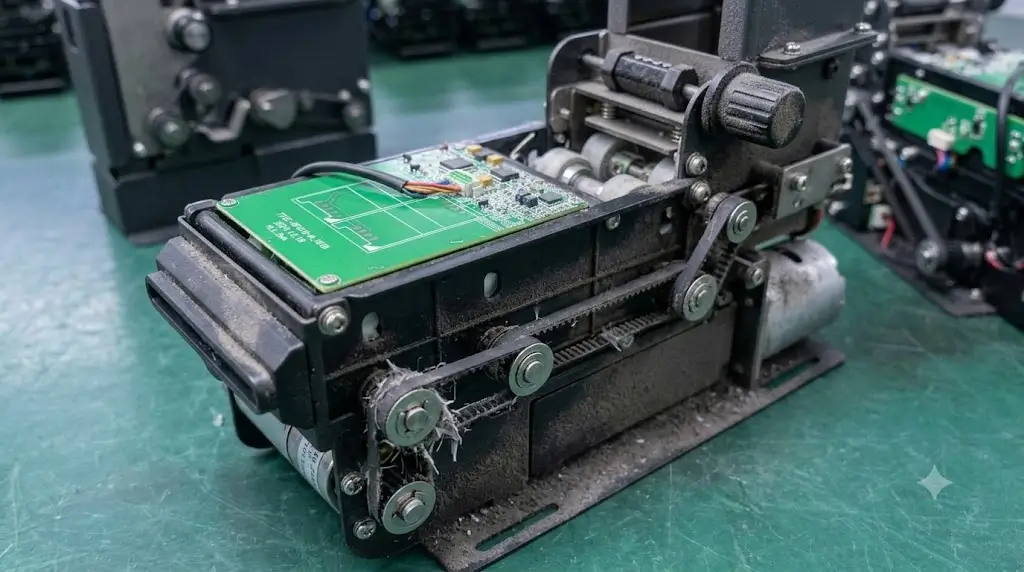
Dust Accumulation
Dust is one of the most common causes of card transport problems.
Dust can:
- Reduce roller friction
- Block optical sensors
- Affect card detection
- Increase card feeding errors
This is especially common in:
- Manufacturing facilities
- Transportation hubs
- Construction sites
- Public self-service kiosks
Card Contamination
Cards may carry:
- Oil residue
- Dirt
- Dust particles
- Adhesive contamination
Contaminated cards gradually transfer debris to rollers and sensors.
Over time this can affect card separation and transport performance.
Roller Wear
Rollers are consumable components.
Continuous operation eventually reduces:
- Surface friction
- Card transport consistency
- Card separation reliability
Projects with high daily card volumes typically experience faster roller wear.
Sensor Blockage
Optical sensors play a critical role in:
- Card detection
- Position monitoring
- Jam detection
- Card collection verification
Dirty sensors can create false readings and intermittent errors.
Environmental Conditions
Environmental factors may include:
- High humidity
- Dust exposure
- Temperature fluctuations
- Poor ventilation
These conditions often contribute to long-term reliability issues.
While many operators assume hardware failures occur suddenly, most dispensing problems actually develop gradually over time. Understanding these common causes helps maintenance teams identify issues before they affect system availability.
Recommended Card Dispenser Maintenance Schedule
The ideal maintenance frequency depends on:
- Daily card volume
- Environmental conditions
- Card quality
- Deployment location
The following schedule is commonly used for self-service systems.
Daily Maintenance
Suitable for:
High-volume deployments
Public access kiosks
Visitor management systems
Access control terminals
Checklist:
- Verify card stock condition
- Check for damaged cards
- Inspect card exit slot
- Remove visible dust
- Review system error logs
- Confirm normal card issuance
Daily inspections usually require only a few minutes.
Weekly Maintenance
Recommended Tasks:
Clean Card Path
Inspect the card transport channel for:
- Dust
- Debris
- Foreign objects
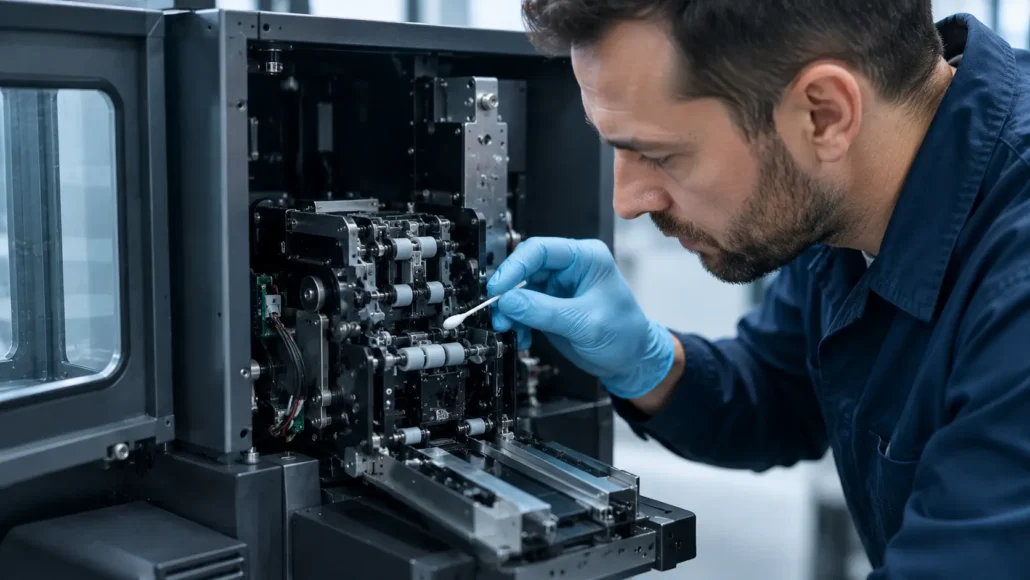
Clean Sensors
Use approved cleaning tools to remove dust from:
- Card detection sensors
- Position sensors
- Collection sensors
Avoid touching optical surfaces directly.
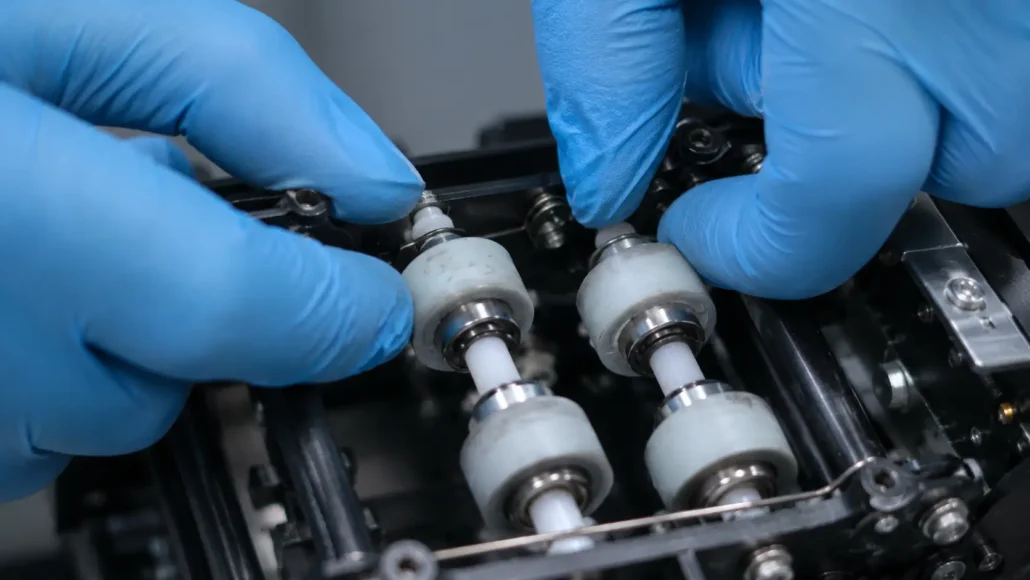
Inspect Rollers
Check for:
- Dirt accumulation
- Uneven wear
- Surface contamination
Test Card Feeding
Run multiple dispensing cycles using actual production cards.
Verify:
- Card separation
- Feeding consistency
- Card positioning
Monthly Maintenance
Monthly maintenance is typically more detailed.
Clean Roller Assemblies
Inspect and clean:
- Feed rollers
- Separation rollers
- Transport rollers
Follow manufacturer recommendations regarding cleaning agents.
Check Mechanical Components
Inspect:
- Springs
- Guides
- Card hoppers
- Mechanical linkages
Look for:
- Excessive wear
- Misalignment
- Damage
Verify Electrical Connections
Inspect:
- Communication cables
- Power connectors
- Internal wiring
Check for loose or damaged connections.
Verify Firmware and Software Status
Confirm:
- Device communication
- Firmware versions
- Error history
- Driver operation
Card Cleaning Best Practices
Many dispensing issues originate from poor card quality rather than hardware failure.
Cards should be:
- Flat
- Clean
- Dry
- Free of adhesive residue
- Within specification
Avoid using:
- Warped cards
- Damaged cards
- Cards with excessive contamination
Card quality directly affects dispensing reliability.
Sensor Inspection Guidelines
Sensors should be inspected regularly because they are responsible for detecting card movement.
Common symptoms of sensor contamination include:
- False card jam alarms
- Missing card detection
- Intermittent dispensing errors
- Collection verification failures
When cleaning sensors:
- Use approved cleaning tools
- Avoid scratching sensor surfaces
- Remove dust carefully
- Verify proper operation after cleaning
Roller Inspection Guidelines
Rollers should be inspected for:
- Surface glazing
- Reduced friction
- Cracks
- Uneven wear
Common symptoms of roller wear include:
- Double-card issues
- Card slipping
- Failed card separation
- Inconsistent feeding
Replacing worn rollers before failure helps avoid unexpected downtime.
Maintenance Requirements for RFID and Motorized Card Dispensers
Although general maintenance principles are similar across most card dispensing systems, RFID card dispenser maintenance and motorized card dispenser maintenance often require additional attention.
For example, RFID-enabled systems may involve both card transport mechanisms and credential verification processes. As a result, maintenance personnel should verify not only card feeding performance but also RFID reading consistency and credential detection accuracy.
Motorized card dispensers may also require periodic inspection of transport rollers, card positioning sensors and drive mechanisms to ensure reliable card movement.
System integrators should include these checks as part of their card dispenser maintenance, card dispenser troubleshooting and preventive maintenance procedures.
By identifying small performance changes early, operators can often avoid larger service interruptions later.
Environmental Considerations
Environmental conditions often have a greater impact on reliability than many teams expect.
Projects deployed in:
- Factories
- Warehouses
- Transportation facilities
- Public service centers
typically require more frequent maintenance than office installations.
Recommended practices include:
- Keeping kiosks sealed where possible
- Maintaining proper ventilation
- Reducing dust exposure
- Monitoring humidity levels
Card Dispenser Maintenance Checklist
Daily
- Check card stock
- Remove visible dust
- Verify dispensing operation
- Review system logs
Weekly
- Clean card path
- Clean sensors
- Inspect rollers
- Test card feeding
Monthly
- Deep clean roller assemblies
- Inspect mechanical components
- Verify electrical connections
- Review firmware and software status
Semi-Annual
- Replace worn consumable components
- Inspect transport assemblies
- Verify sensor alignment
- Review overall system condition
Troubleshooting Quick Reference
| Symptom | Possible Cause | Recommended Action |
|---|---|---|
| Card not dispensing | Empty hopper | Refill cards |
| Double-card issue | Roller wear | Inspect or replace rollers |
| Card jam | Dust or damaged card | Clean path and inspect cards |
| Intermittent detection | Dirty sensor | Clean sensors |
| Collection failure | Sensor contamination | Verify collector sensors |
| Feeding inconsistency | Roller contamination | Clean roller assembly |
| Frequent errors | Environmental contamination | Increase maintenance frequency |
Deployment Reality: What Teams Usually Learn Later
Many organizations perform maintenance only after users report problems.
By that point, performance has often been degrading for weeks or months.
Experienced operators usually discover:
- Dust accumulates faster than expected
- Card quality varies significantly
- Public environments increase contamination
- Small issues eventually become service calls
- Preventive maintenance costs less than emergency repairs
Projects with formal maintenance schedules generally achieve higher uptime and lower operating costs.
What Successful Deployments Usually Have in Common
Successful deployments often:
- Define maintenance procedures before deployment
- Train support personnel
- Maintain spare parts inventory
- Monitor dispensing performance
- Use high-quality cards
- Schedule routine inspections
- Record maintenance history
These practices improve reliability throughout the system lifecycle.
Recommended Card Dispenser Models for Long-Term Reliability
Although maintenance procedures are important, selecting the right hardware platform from the beginning can significantly reduce long-term service requirements.
The following SNRO models are commonly used in self-service card issuance and card management projects.
SNR-K720 Motorized Card Dispenser
Best For:
- Visitor management kiosks
- Membership card issuance systems
- Standard card dispensing applications
Advantages:
- Compact motorized design
- Stable card separation mechanism
- Easy integration into kiosks
- Suitable for unattended operation
SNR-CD212-M8 RFID Card Dispenser
Best For:
- RFID card issuance
- Access control credential management
- Visitor registration systems
Advantages:
- Supports RFID card workflows
- Reliable card transport mechanism
- Suitable for credential issuance kiosks
SNR-K750C Card Issuing Machine
Best For:
- Advanced RFID card issuance
- Self-service registration systems
- Membership and loyalty card projects
Advantages:
- Controlled card transport
- Supports complex credential workflows
- Suitable for unattended deployments
SNR-K750-L Circulating Card Dispenser
Best For:
- Reusable visitor credentials
- Temporary access card programs
- Card issuing and collection applications
Advantages:
- Supports issuing, collecting and re-issuing cards
- Reduces card replacement costs
- Supports complete card lifecycle management
SNR-D3000 Card Collector
Best For:
- Visitor exit management
- Credential return stations
- Card recovery applications
Advantages:
- Automatic card collection
- Reliable card storage
- Suitable for unattended operation
SNR-D3000-RF RFID Card Collector
Best For:
- RFID credential recovery
- Secure card verification
- High-security facilities
Advantages:
- Integrated RFID verification
- Supports credential validation before collection
- Suitable for reusable RFID card programs
Conclusion
Most card dispenser maintenance issues are not caused by sudden hardware defects.
They are often the result of gradual wear, contamination and environmental exposure.
Preventive maintenance helps identify these issues early, improving system availability and reducing operational costs.
For self-service kiosks, visitor management systems, access control terminals and credential issuance platforms, a structured maintenance program is one of the most effective ways to improve long-term reliability.
Effective card dispenser maintenance is one of the most important factors in achieving long-term system stability.
Related Resources
Reliability & Troubleshooting
- Why Card Dispensers Fail in Real Self-Service Systems
- Why Card Dispensers Become Less Reliable Over Time Even Without Mechanical Failure
- Why Card Quality Causes More Dispenser Problems Than Many Teams Expect
- Why Double-Card Issues Happen in Card Dispenser Systems
- How Dust and Humidity Slowly Affect Card Dispenser Reliability in Self-Service Kiosks
Buyer Guides
- How to Choose a Motorized Card Dispenser for Self-Service Kiosks
- How to Choose a Card Dispenser for Visitor Management Systems
- How to Choose a Card Dispenser for Membership Card Issuance Kiosks
- How to Choose a Card Dispenser for Access Control Systems
- Card Dispenser vs Card Collector: Understanding the Difference
Technical Resources
- RFID Card Issuance in Self-Service Kiosks
- Access Control Kiosk Hardware Guide
- Industrial PC for Access Control Kiosks
- SNR-K720 Motorized Card Dispenser
- SNR-CD212-M8 RFID Card Dispenser
- SNR-K750C Card Issuing Machine
- SNR-K750-L Circulating Card Dispenser
- SNR-D3000 Card Collector
- SNR-D3000-RF RFID Card Collector
Learn more about system architecture: Card Dispenser Hub
FAQ
How often should a card dispenser be maintained?
The frequency depends on card volume and environmental conditions. High-volume deployments often benefit from daily inspections and weekly cleaning.
What causes most card dispenser failures?
Dust accumulation, card contamination, roller wear and sensor blockage are among the most common causes.
How can double-card issues be prevented?
Regular roller inspection, cleaning and replacement help reduce double-card dispensing problems.
Why are sensors important?
Sensors monitor card movement, position and collection status. Dirty sensors can cause false errors and dispensing failures.
Should rollers be considered consumable parts?
Yes. Rollers gradually wear during normal operation and should be inspected regularly.
Does card quality affect dispenser reliability?
Absolutely. Damaged, warped or contaminated cards are a major source of dispensing problems.
Can preventive maintenance reduce downtime?
Yes. Preventive maintenance identifies problems before they become service interruptions.
Which environments require more frequent maintenance?
Factories, transportation hubs, public kiosks and dusty environments generally require more frequent maintenance schedules.