

Blog
Industrial PC for Access Control Kiosks

Introduction
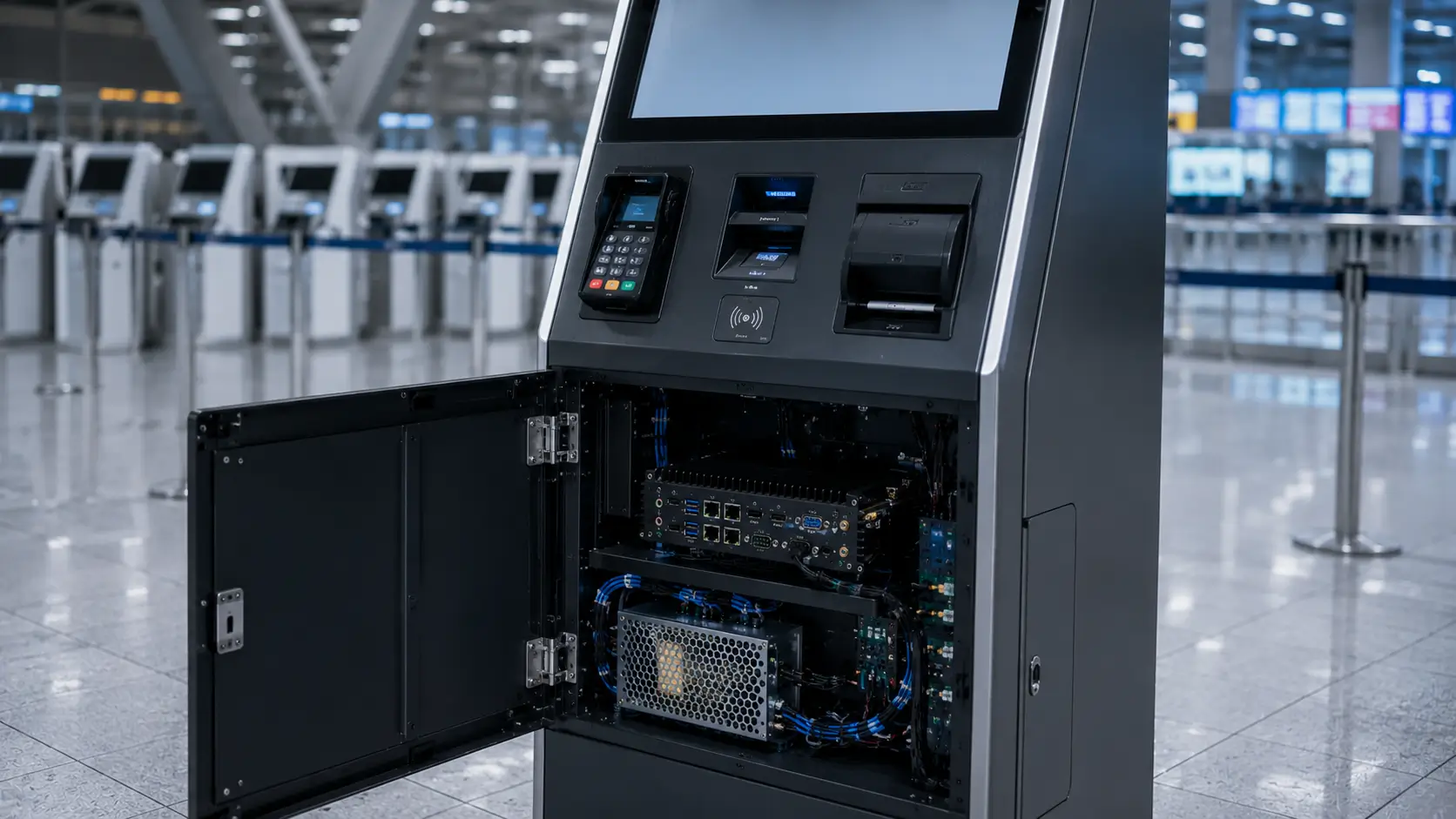
When discussing access control kiosks, most attention is usually focused on card dispensers, RFID readers, scanners and credential management software.
However, experienced system integrators often know that one component quietly determines the stability of the entire system:
The industrial PC.
Every credential issuance transaction, RFID verification process, visitor registration workflow and hardware communication task ultimately depends on the computing platform operating behind the kiosk.
While industrial PCs rarely attract the same attention as card issuing hardware, they often become one of the most critical decisions in long-term access control deployments.
This guide explains what experienced integrators evaluate when selecting industrial PCs for access control kiosks and why hardware architecture decisions made early in a project can significantly affect deployment success.
Quick Answer
If your access control kiosk needs to operate reliably for years in an unattended environment, a consumer desktop computer is usually not the ideal solution.
Most professional deployments prefer:
Fanless Design
↓
Industrial Components
↓
Long Lifecycle Availability
↓
Wide Operating Stability
↓
Multiple Device Interfaces
For access control kiosks, industrial mini PCs are typically selected because they provide better reliability, simpler maintenance and longer product availability than consumer-grade computers.
Why the Industrial PC Matters More Than Many Teams Expect
During early project planning, teams often focus on visible hardware.
For example:
- Card dispensers
- RFID readers
- QR code scanners
- Touchscreens
- Credential printers
The industrial PC is frequently viewed as a simple supporting component.
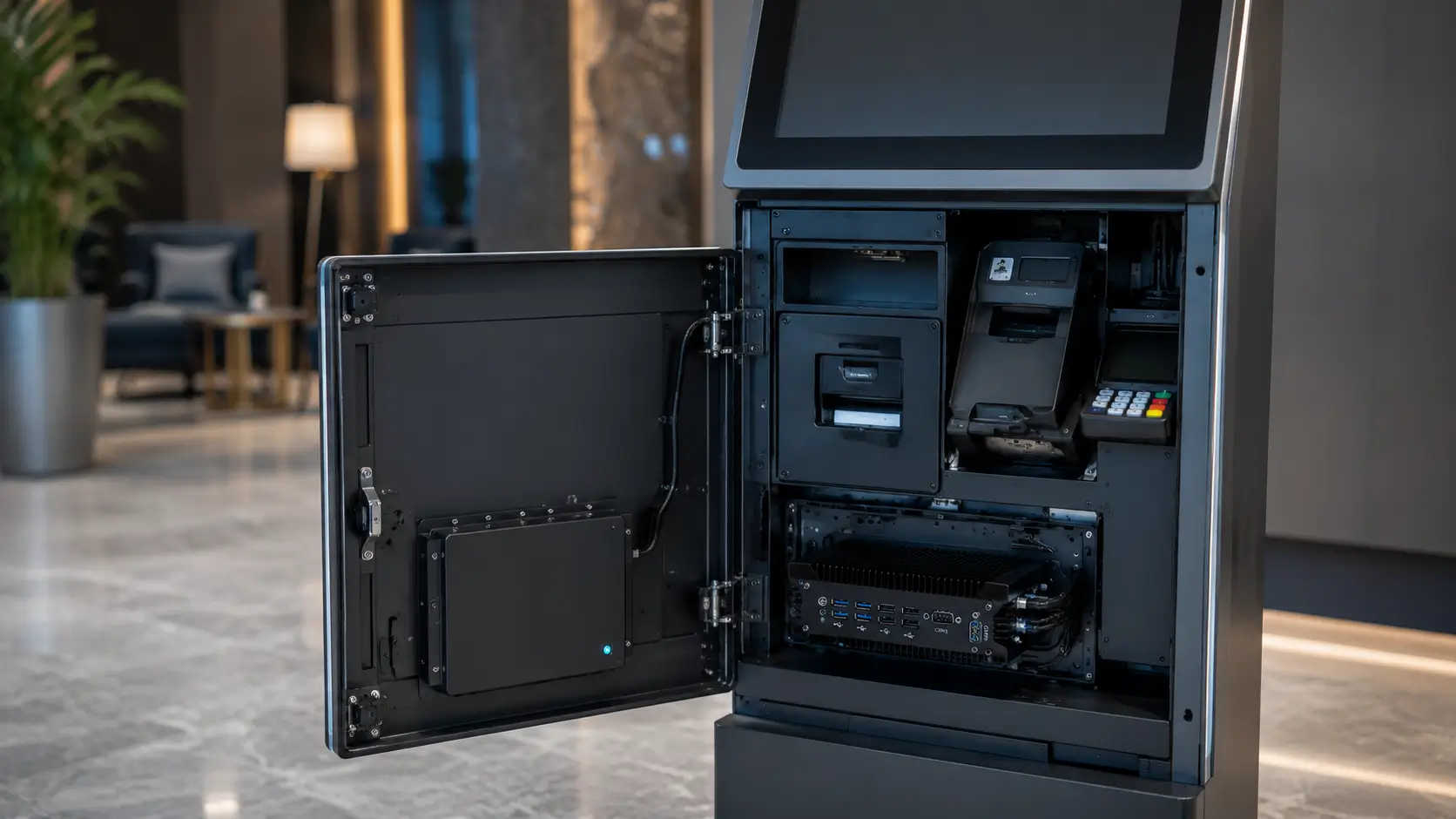
However, in most deployments it acts as the central controller for the entire system.
Typical responsibilities include:
- Credential management
- RFID processing
- Device communication
- Database synchronization
- Visitor registration workflows
- Network communication
- Security logging
- User interface control
If the industrial PC becomes unstable, every connected device is affected.
What Happens When the Wrong PC Is Selected
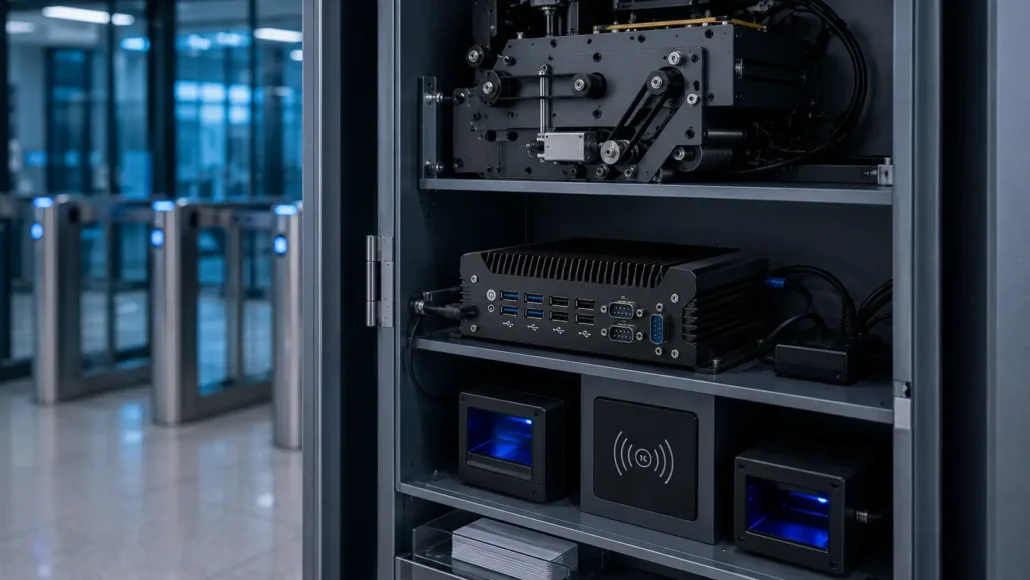
Many pilot projects begin using standard desktop computers.
The system often works perfectly during testing.
Problems usually appear later.
Common examples include:
Unexpected Hardware Failure
Consumer systems are not designed for continuous kiosk operation.
Fan Contamination
Dust accumulation can reduce cooling efficiency and affect long-term reliability.
Product Discontinuation
Consumer PC platforms often change quickly.
Replacement hardware may become unavailable during future project expansions.
Limited Interfaces
Access control systems frequently require multiple peripherals.
Examples include:
- RFID readers
- Card dispensers
- Barcode scanners
- Cameras
- Access control controllers
- Network devices
Standard PCs may require additional adapters.
Maintenance Complexity
Replacing consumer hardware inside kiosk enclosures is often more difficult than expected.
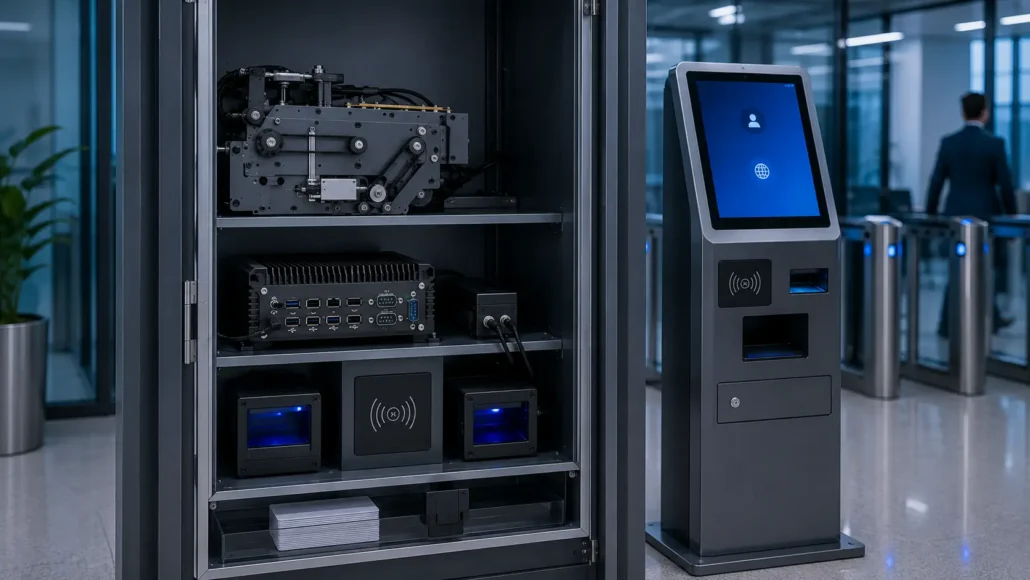
Typical Industrial PC Architecture for Access Control Systems
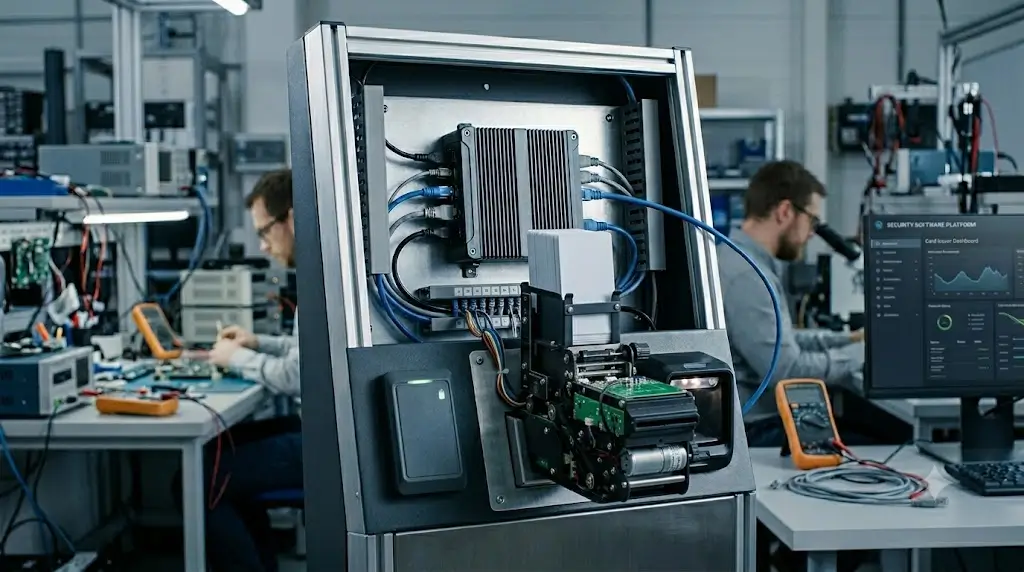
Most deployments follow a similar architecture.
Access Control Software
↓
Industrial PC
↓
Card Dispenser
↓
RFID Reader
↓
Barcode Scanner
↓
Network Platform
↓
Access Control Database
The industrial PC acts as the communication hub connecting every subsystem.
This architecture allows centralized management and easier troubleshooting.
What Experienced Integrators Usually Evaluate
Before selecting an industrial PC, experienced teams typically evaluate several factors.
Operating System Requirements
The first question is often:
Windows
or
Linux
Many access control platforms are Windows-based.
However, Linux deployments are increasingly common in:
- Government projects
- Transportation systems
- Smart city deployments
- Industrial facilities
Industrial PCs should support both environments when possible.
Processing Requirements
Not every kiosk requires a high-performance processor.
Typical workloads include:
- RFID processing
- Credential management
- QR code scanning
- Database communication
- User interface rendering
For many deployments, stability is more important than raw computing power.
Interface Requirements
Access control kiosks often require:
- USB
- RS232
- Ethernet
- GPIO
- HDMI
- Audio interfaces
Integrators should identify all connected devices before hardware selection.
Environmental Conditions
Operating environments may include:
- Office buildings
- Manufacturing plants
- Hospitals
- Government facilities
- Transportation terminals
Temperature, dust and vibration should be considered during hardware selection.
Product Lifecycle
Access control projects often remain operational for many years.
Many system integrators prefer industrial PCs that remain available long after initial deployment.
This simplifies:
- Expansion projects
- Maintenance
- Spare part management
- System upgrades
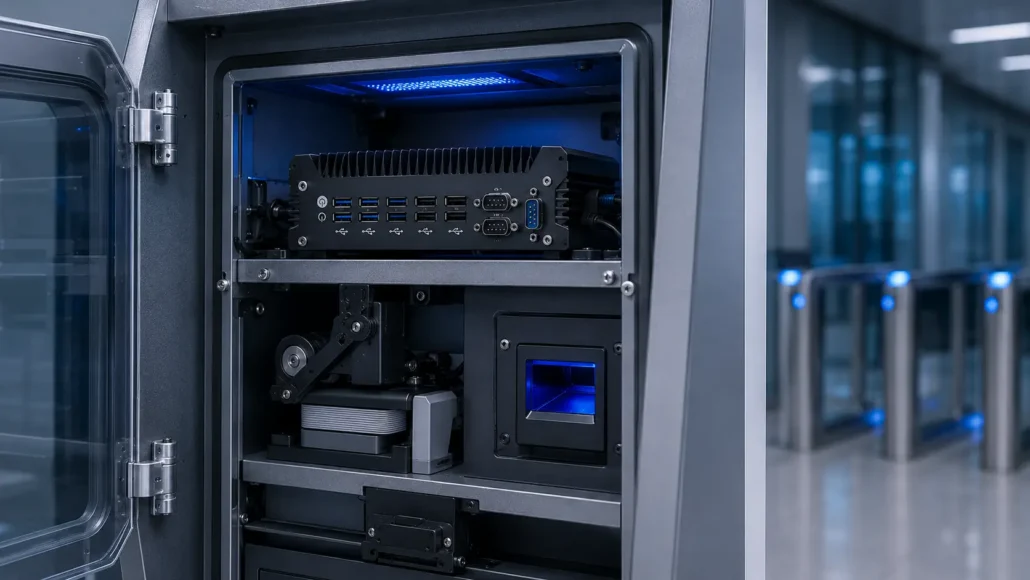
Why Fanless Design Is Usually Preferred
One of the most common industrial PC requirements is fanless operation.
Benefits include:
Reduced Dust Accumulation
No active cooling fan means fewer contamination issues.
Lower Maintenance Requirements
Fewer moving parts reduce service needs.
Improved Reliability
Fanless systems eliminate one of the most common hardware failure points.
Better Kiosk Integration
Compact fanless designs fit more easily inside kiosk enclosures.
For these reasons, fanless industrial mini PCs have become the preferred choice for many self-service deployments.
Industrial PC vs Consumer PC
| Evaluation Factor | Consumer PC | Industrial PC |
|---|---|---|
| Continuous Operation | Moderate | Excellent |
| Fanless Design | Rare | Common |
| Product Lifecycle | Short | Long |
| Industrial Interfaces | Limited | Extensive |
| Environmental Tolerance | Standard | Enhanced |
| Kiosk Integration | Moderate | Excellent |
| Long-Term Availability | Limited | Strong |
Although industrial PCs may have a higher initial cost, they often provide lower total ownership cost over the lifespan of the deployment.
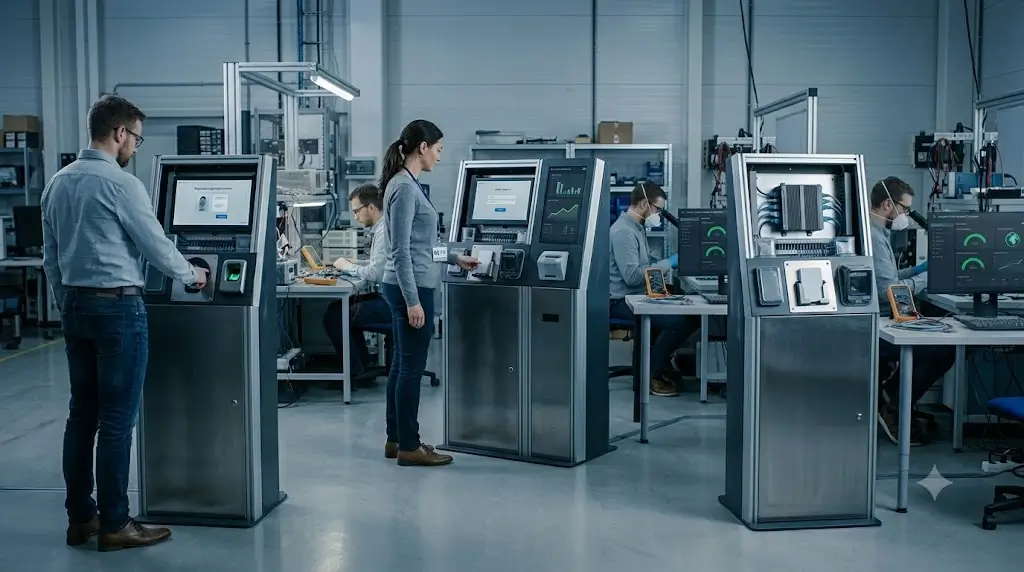
Access Control Applications That Commonly Use Industrial PCs
Industrial PCs are commonly deployed in:
Visitor Management Kiosks
Credential issuance and visitor registration.
Employee Access Registration Terminals
New employee credential enrollment.
Contractor Management Systems
Temporary credential management.
Government Security Kiosks
High-security credential issuance.
Facility Access Management
Multi-site access control deployments.
Self-Service Security Registration Systems
Identity verification and credential distribution.
Recommended Industrial PC Models
IBC-N8 Industrial Mini PC
Best For:
- Access control kiosks
- Visitor management systems
- Self-service registration terminals
- Security credential issuance platforms
- Smart locker systems
Advantages:
- Industrial-grade reliability
- Fanless operation
- Multiple I/O interfaces
- Compact kiosk integration
- Long-term hardware availability
SNR-N6 Fanless Industrial Mini PC
Best For:
- Access control kiosks with multiple serial devices
- Card dispenser and RFID reader control
- Parking gate and access control systems
- Factory and industrial security terminals
- Kiosk projects requiring RS232 / RS485 / RS422 communication
Advantages:
- Fanless aluminium passive cooling design
- 6 × RS232 COM ports
- 4 COM ports support RS485 / RS422
- Dual Intel Gigabit LAN
- 14 × GPIO for industrial control
- 9–36V DC wide-voltage input
- Suitable for unattended industrial operation
Integration Notes:
SNR-N6 is a strong choice when the access control kiosk needs to connect multiple serial devices, such as card dispensers, RFID readers, barcode scanners, relay controllers, PLCs or gate control modules.
SNR-N5K Industrial Mini PC with AMD Vega Graphics
Best For:
- Access control kiosks with multi-display requirements
- Security control room display systems
- Advanced self-service kiosks
- Video wall and digital signage integration
- Machine vision or image-processing access control projects
Advantages:
- Intel 8305G / 8705G processor options
- AMD Vega graphics with 4GB video memory
- 4 × HDMI 2.0 outputs
- Supports four independent 4K displays
- 2 × Intel i226V 2.5GbE LAN
- 6 × RS232 COM ports
- 4 COM ports support RS485 / RS422
- 14 × GPIO
- 9–36V DC wide-voltage input
- Removable washable fan for easier maintenance
Integration Notes:
SNR-N5K is suitable when an access control or security kiosk project requires stronger graphics output, multiple displays, video wall control, image processing or advanced visualization in addition to industrial I/O connectivity.
Deployment Reality: What Teams Usually Learn Later
Many access control projects initially focus on software features.
After deployment, teams often discover that hardware stability has a greater impact on operational success.
Common examples include:
- Device communication interruptions
- USB connection failures
- Thermal management issues
- Operating system compatibility problems
- Hardware replacement challenges
- Spare part availability concerns
These issues rarely appear during pilot testing but become more important as deployments scale.
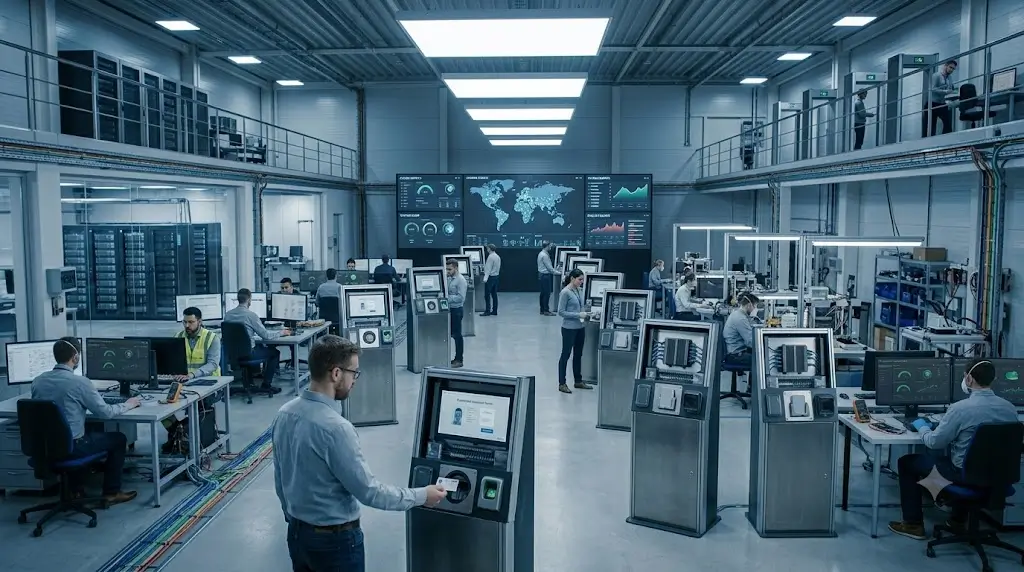
What Successful Access Control Deployments Usually Have in Common
Successful deployments often:
- Define hardware requirements early
- Standardize PC platforms
- Choose industrial-grade components
- Plan for future expansion
- Consider long-term maintenance requirements
- Validate operating system compatibility
- Evaluate peripheral interface requirements before procurement
These practices typically reduce integration risk and improve long-term system stability.
Conclusion
The industrial PC is often one of the most important components inside an access control kiosk.
While card dispensers, RFID readers and scanners receive most of the attention, the computing platform ultimately determines how reliably the entire system operates.
For projects that require long-term stability, unattended operation and multiple hardware integrations, industrial PCs are usually a more suitable choice than consumer-grade computers.
Selecting the correct platform early helps reduce maintenance challenges, improve reliability and support future system expansion.
Related Resources
Access Control
- Access Control Kiosk Hardware Guide
- How to Choose a Card Dispenser for Access Control Systems
- RFID Card Issuance in Self-Service Kiosks
Visitor Management
- Visitor Management System Hardware Guide
- How to Choose a Card Dispenser for Visitor Management Systems
Hardware Selection
- Card Dispenser vs Card Collector: Understanding the Difference
- Single Hopper vs Multi-Hopper Card Dispenser: Which Is Better?
- How to Choose a Motorized Card Dispenser for Self-Service Kiosks
Recommended SNRO Hardware Ecosystem
| Function | Recommended Model |
|---|---|
| Card Issuing | SNR-K720 |
| RFID Card Issuing | SNR-CD212-M8 |
| Advanced Card Issuing | SNR-K750C |
| Card Issuing + Collection | SNR-K750-L |
| Card Collection | SNR-D3000 |
| RFID Card Collection | SNR-D3000-RF |
| Barcode Scanner | SNR-EP8200 |
| General Industrial PC | IBC-N8 |
| Multi-Serial Industrial PC | SNR-N6 |
| Multi-Display Industrial PC | SNR-N5K |
FAQ
Why use an industrial PC instead of a consumer PC for access control kiosks?
Industrial PCs are designed for long-term operation, industrial environments and hardware integration requirements.
What operating systems are commonly used in access control kiosks?
Windows and Linux are the most common platforms.
Why are fanless industrial PCs preferred?
Fanless designs reduce dust accumulation, maintenance requirements and hardware failure risks.
How many interfaces are typically required?
Most deployments require multiple USB, Ethernet and serial communication interfaces.
Can industrial PCs support RFID card dispensers?
Yes. Industrial PCs are commonly used to control RFID card dispensers, card collectors and access control peripherals.
Is high CPU performance necessary?
Not always. Stability and reliability are often more important than maximum processing power.
What industrial PC is recommended for access control kiosks?
The IBC-N8 Industrial Mini PC is suitable for many access control, visitor management and self-service kiosk deployments.