

Blog
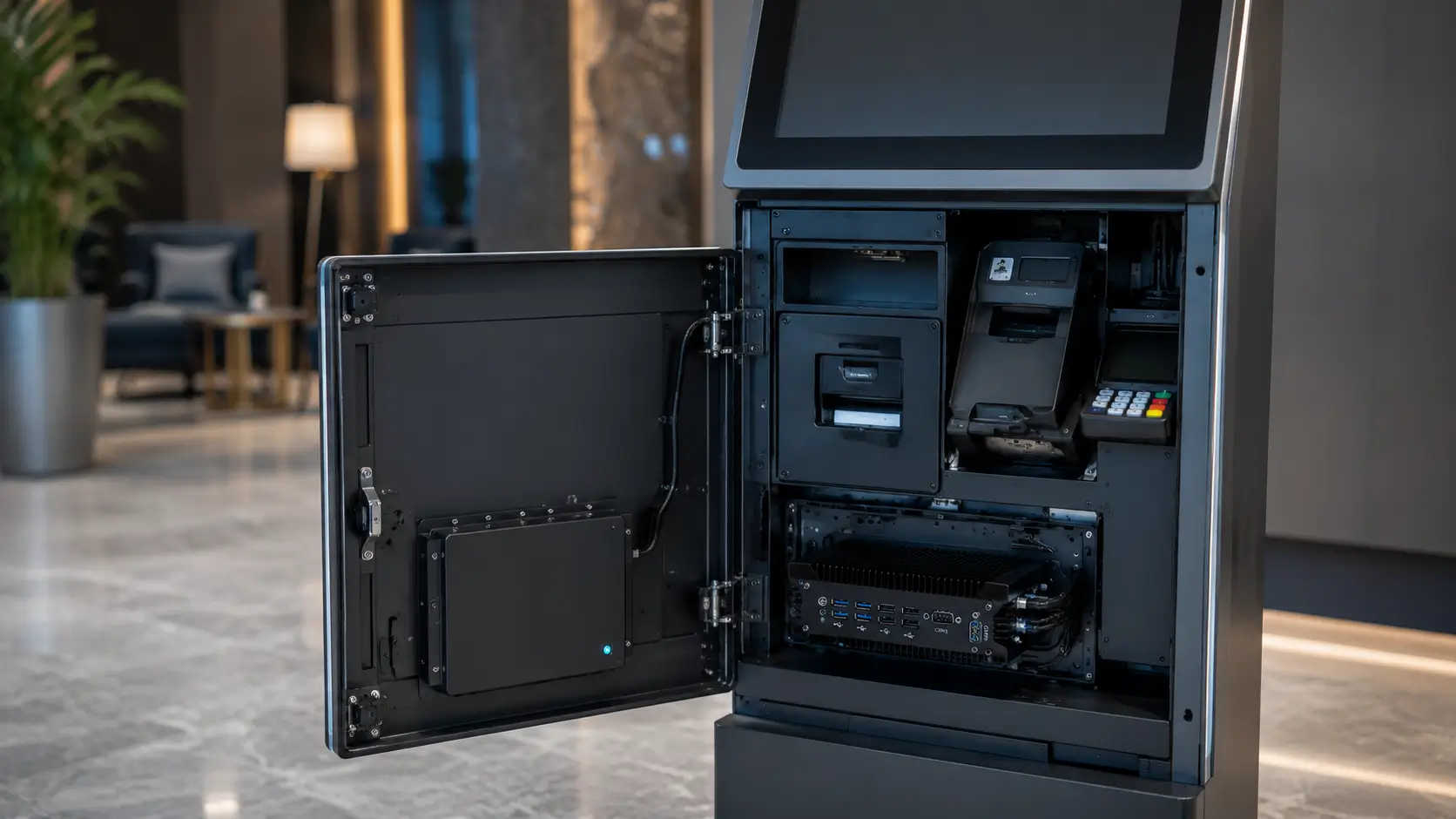
Industrial PC for Self-Service Kiosks
Why the Industrial PC Is the Most Important Component Inside a Kiosk
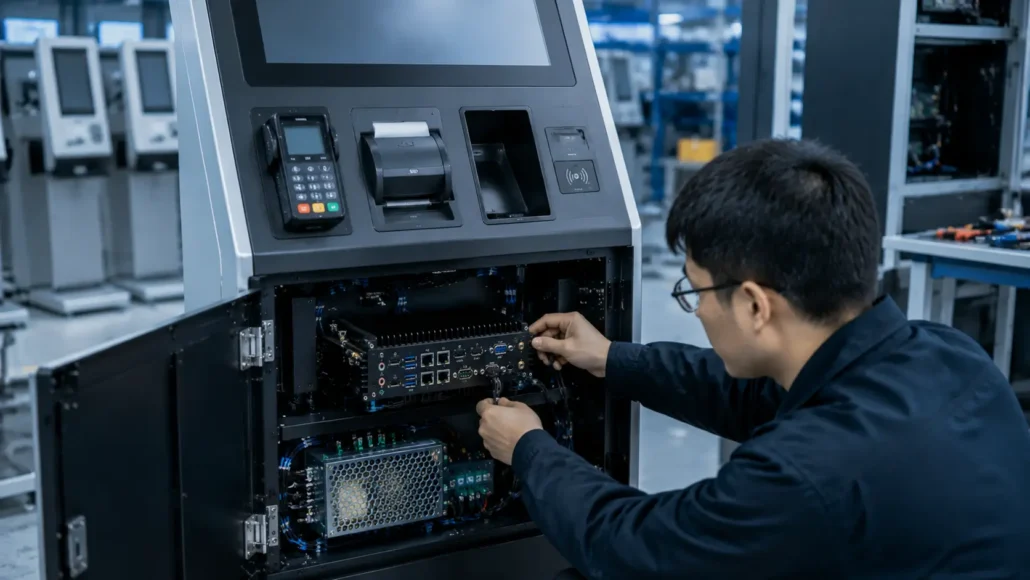
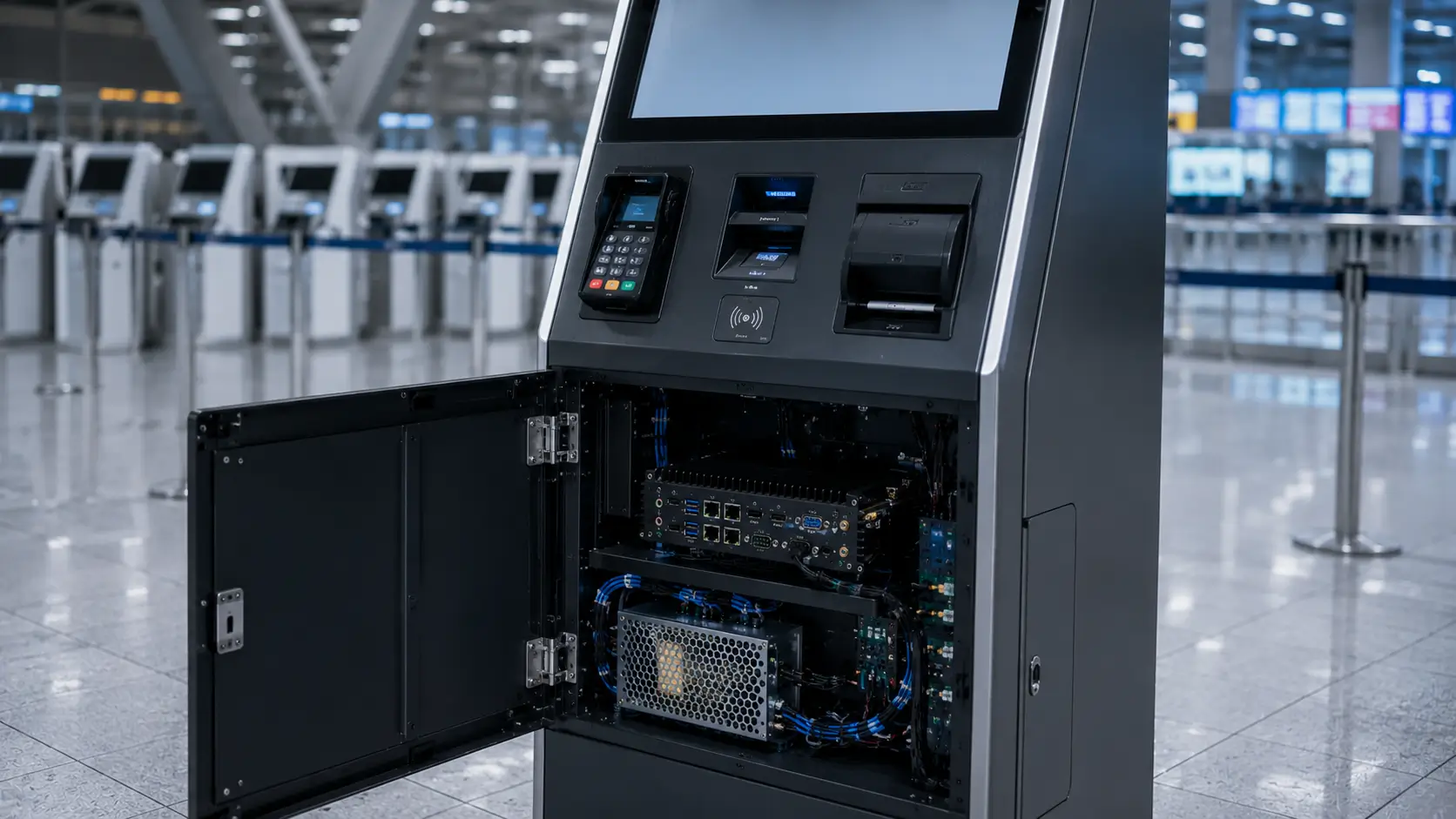
When discussing self-service kiosk hardware, most attention is usually given to touchscreens, printers, payment terminals and scanners.
However, experienced system integrators know that the industrial PC is often the component that determines whether a kiosk operates reliably for years or becomes a maintenance problem after deployment.
Every major subsystem inside a kiosk depends on the controller computer.
The industrial PC manages:
- User interface software
- Payment processing
- Thermal printers
- Barcode scanners
- RFID readers
- Card dispensers
- Network communication
- Remote monitoring
If the controller platform becomes unstable, the entire kiosk becomes unavailable.
For this reason, many kiosk manufacturers choose industrial PCs instead of standard commercial mini PCs.
Typical Self-Service Kiosk Architecture
A modern self-service kiosk typically consists of several integrated hardware modules.
Touchscreen
      ↓
Industrial PC
      ↓
Printer
Scanner
Payment Terminal
Card Dispenser
RFID Reader
Network
The industrial PC acts as the central controller that coordinates communication between all devices.
As the number of peripherals increases, stable communication interfaces become increasingly important.
Why Commercial PCs Often Create Problems Later
Many projects initially select commercial mini PCs because they appear less expensive.
However, field deployments often reveal limitations that were not obvious during laboratory testing.
Common issues include:
Insufficient COM Ports
Many kiosk peripherals still rely on RS232 communication.
USB-to-serial adapters may work during testing but can create stability issues in long-term operation.
Fan Failures
Cooling fans accumulate dust and eventually require maintenance or replacement.
Limited Power Flexibility
Commercial systems often provide less tolerance for industrial power environments.
Product Lifecycle Challenges
Consumer PC models frequently change, making long-term maintenance difficult.
For kiosk projects expected to operate for years, these issues often become more significant than the initial hardware cost.
The Problem Usually Appears After Deployment
One interesting observation from kiosk projects is that the controller computer often performs well during testing.
However, problems tend to appear several months after deployment.
Common field issues include:
- USB communication instability
- Peripheral disconnections
- Dust accumulation inside cooling fans
- Difficult hardware replacement
- Inconsistent power conditions
- Limited expansion capability
These challenges rarely appear during factory testing but frequently become operational concerns once kiosks are deployed across multiple locations.
As a result, experienced system integrators usually evaluate reliability and maintainability before focusing on processor performance.
What System Integrators Usually Learn After Deployment
One of the most common lessons in self-service projects is that CPU performance is rarely the main issue.
Instead, challenges typically involve:
- Device communication
- Peripheral compatibility
- Maintenance access
- Power stability
- Long-term availability
Many projects that initially focus on processor specifications later discover that connectivity and reliability have a greater impact on operational success.
This is particularly true for:
- Parking kiosks
- Hotel self check-in terminals
- Visitor management systems
- Access control kiosks
- Ticket vending machines
What Experienced Kiosk Manufacturers Evaluate First
Many first-time projects focus on CPU specifications.
Experienced kiosk manufacturers usually start with different questions:
- How many peripherals need to be connected?
- How many COM ports are required?
- Will maintenance teams have easy access?
- Is fanless operation necessary?
- Will spare parts remain available for future deployments?
- Can the platform support future expansion?
These questions often have a greater impact on project success than processor benchmarks.
Industrial PC Requirements by Kiosk Type
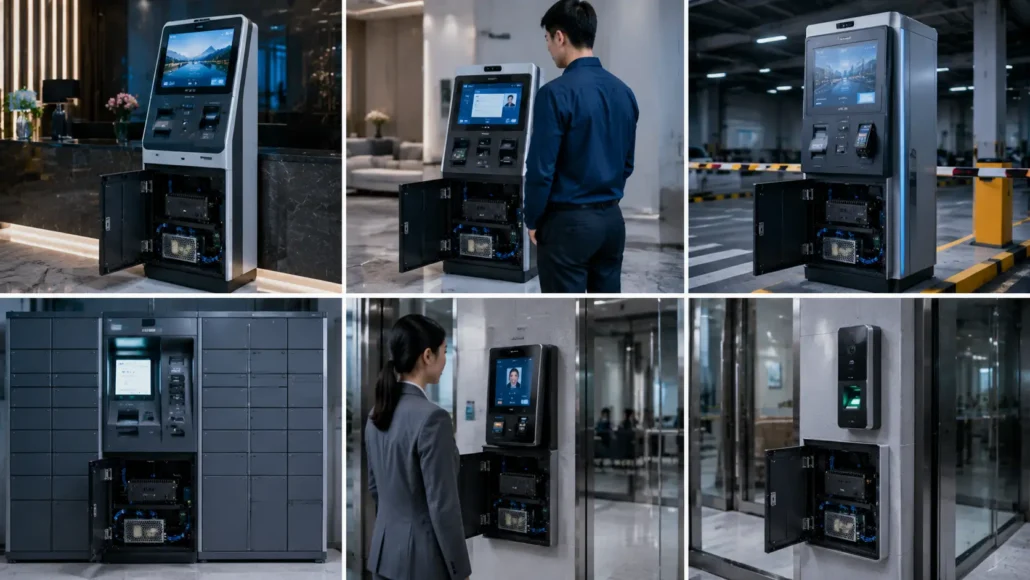
Different kiosk applications place different demands on the controller computer.
Understanding these requirements early helps system integrators select more suitable industrial PC platforms.
Hotel Self Check-In Kiosks
Typically require:
- RFID card dispenser
- Passport scanner
- Payment terminal
- Receipt printer
Stable peripheral communication is critical because guest check-in directly affects customer experience.
Visitor Management Kiosks
Typically require:
- Badge printer
- Card dispenser
- Access control integration
- Visitor registration software
Reliability and device compatibility are often more important than processor performance.
Parking Payment Kiosks
Typically require:
- Ticket printer
- Barcode scanner
- Payment module
- Gate communication controller
These systems often require multiple serial communication interfaces.
Smart Locker Systems
Typically require:
- Electronic lock controller
- QR code scanner
- Network communication
- User authentication system
Compact embedded industrial PCs are commonly used in these applications.
Access Control Terminals
Typically require:
- RFID readers
- Card dispensers
- Biometric devices
- Security controllers
Long-term stability and communication reliability are essential.
Why Fanless Industrial PCs Are Popular
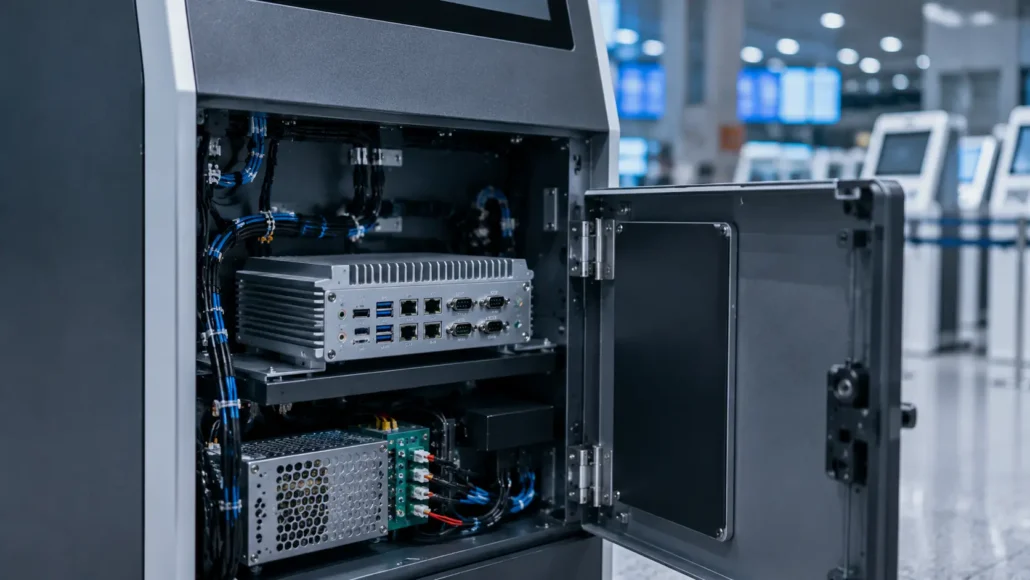
Many self-service kiosks operate continuously in public environments.
Dust, vibration and temperature fluctuations can reduce the lifespan of traditional computers.
Fanless industrial PCs help address these challenges by eliminating internal cooling fans.
Benefits include:
- Reduced maintenance
- Silent operation
- Better dust resistance
- Improved reliability
- Longer service life
As a result, fanless embedded computers have become a common choice for unattended self-service applications.
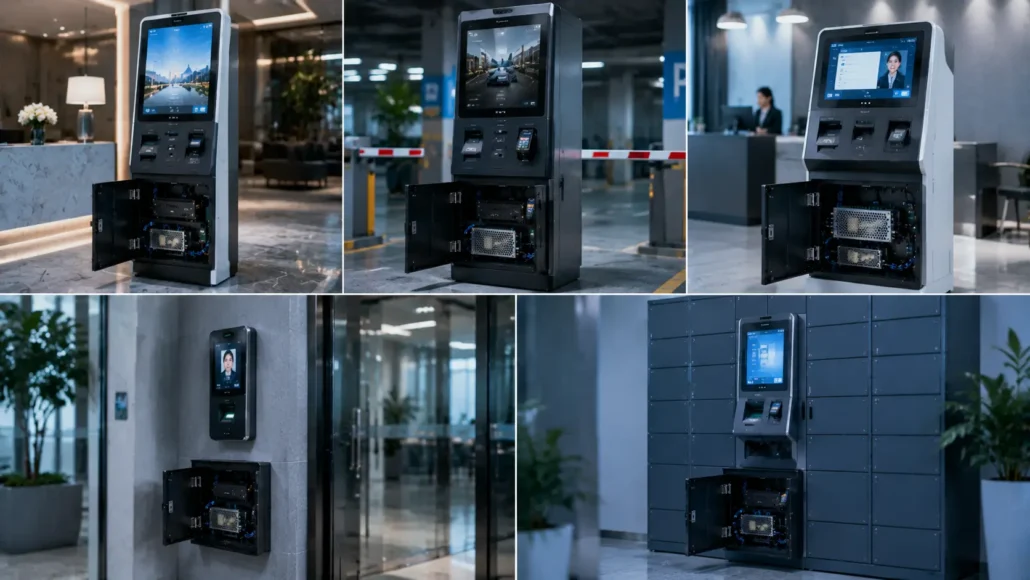
Typical Kiosk Applications
Industrial PCs are widely used in:
Hotel Self Check-In Kiosks
Managing room card dispensers, scanners, printers and payment systems.
Visitor Management Systems
Supporting visitor registration, badge issuing and access control integration.
Parking Payment Kiosks
Controlling ticket printers, scanners and payment terminals.
Access Control Systems
Managing RFID readers, card dispensers and security devices.
Ticket Vending Machines
Coordinating printers, scanners and customer interfaces.
Smart Locker Systems
Supporting locker control, user authentication and network communication.
Why One Industrial PC Does Not Fit Every Project
A common mistake is assuming that a single industrial PC model is suitable for every deployment.
In reality:
- Entry-level kiosks may prioritize compact size and cost efficiency.
- Hotel kiosks often require stable peripheral integration.
- Parking systems may require extensive serial communication.
- Digital signage terminals may prioritize graphics performance.
Selecting hardware based on actual deployment requirements generally produces better long-term results.
 Recommended Industrial PC Solutions
 Recommended Industrial PC Solutions
Different kiosk projects require different controller platforms.
SNR-IBC-N8 Fanless Industrial PC
Recommended for:
- Self-service kiosks
- Hotel self check-in terminals
- Visitor management systems
- Smart locker systems
- Access control projects
Key Advantages:
- Fanless industrial design
- Compact embedded architecture
- Stable 24/7 operation
- Easy kiosk integration
- Long-term deployment support
Best for:
General-purpose kiosk controller applications.
SNR-N6 Fanless Industrial PC
Recommended for:
- Complex kiosk projects
- Industrial automation
- Access control systems
- Multi-device serial communication
Key Advantages:
- 6 COM ports
- RS485 / RS422 support
- Dual Intel LAN
- 14 GPIO
- Wide-voltage power input
Best for:
Projects requiring extensive peripheral connectivity.
SNR-N5K High-Performance Industrial PC
Recommended for:
- Multi-display kiosks
- Digital signage
- Machine vision
- Graphics-intensive applications
Key Advantages:
- AMD Vega graphics
- Four HDMI outputs
- 2.5GbE networking
- Industrial I/O support
Best for:
Projects requiring advanced graphics performance.
MPC-N1 Fanless Industrial Mini PC
Suitable for:
- Compact kiosk deployments
- Entry-level automation systems
- Space-constrained installations
MPC-N2 Industrial Mini PC
Suitable for:
- Kiosk controllers
- Industrial networking
- Peripheral integration
MPC-N3 Embedded Industrial Computer
Suitable for:
- Smart terminals
- Embedded control systems
- Self-service applications
Choosing the Right Industrial PC
Before selecting hardware, system integrators should evaluate:
Peripheral Requirements
How many devices need to be connected?
Communication Interfaces
Are RS232, RS485 or GPIO required?
Environmental Conditions
Will the system operate indoors or outdoors?
Display Requirements
Will the kiosk require multiple displays?
Maintenance Expectations
How frequently can technicians access the system?
Answering these questions early usually leads to more reliable deployments.
Typical Industrial PC Selection Workflow
Most successful kiosk projects follow a process similar to:
Application Requirements
↓
Peripheral Evaluation
↓
Communication Interface Planning
↓
Environmental Assessment
↓
Industrial PC Selection
↓
Integration Testing
↓
Deployment
This structured approach helps reduce deployment risks and improve long-term reliability.
Deployment Reality: Reliability Matters More Than Specifications
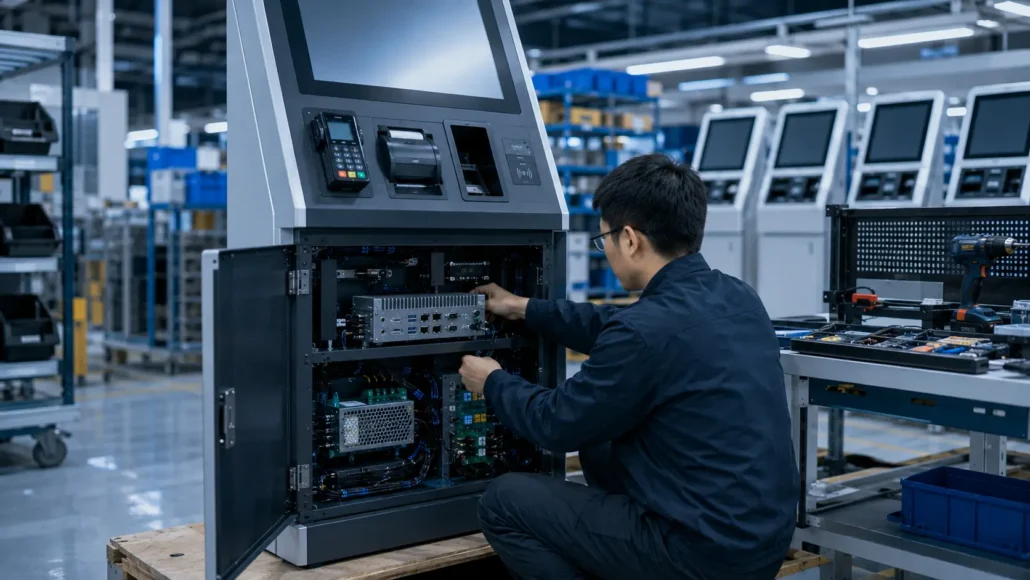
Many industrial PC comparisons focus on processor models and benchmark results.
In practice, successful kiosk deployments are usually determined by:
- Reliable communication
- Stable power operation
- Easy maintenance
- Long-term hardware availability
- Consistent peripheral compatibility
System integrators that prioritize these factors often experience fewer field issues and lower operating costs.
Why Successful Kiosk Manufacturers Standardize Hardware Platforms
Experienced kiosk manufacturers rarely use a different controller platform for every project.
Instead, they often standardize on a small number of proven industrial PC platforms.
Benefits include:
- Faster deployment
- Simplified maintenance
- Reduced spare part inventory
- Easier software validation
- Improved long-term support
This approach reduces operational complexity while improving deployment consistency.
Conclusion
An industrial PC is much more than a computer inside a kiosk.
It is the central controller responsible for communication, reliability and long-term operation.
Whether the project involves hotel self check-in, visitor management, parking payment or access control, selecting the right industrial PC can significantly improve deployment success.
For most self-service kiosk projects, fanless industrial PCs provide the reliability, connectivity and maintainability required for long-term unattended operation.
Rather than focusing only on processor performance, system integrators should evaluate communication interfaces, power design, environmental requirements and future expansion needs.
Investing in the right industrial PC for self-service kiosks helps improve deployment reliability, reduce maintenance costs and increase long-term project success.
Recommended Products
Fanless Industrial PCs
High-Performance Industrial Computers
Compact Industrial Mini PCs
Related Resources
Buyer Guides
Solution Guides
- Hotel Self Check-In Hardware Guide
- Visitor Management System Hardware Guide
- Access Control Kiosk Hardware Guide
Related Hardware
FAQ
What is an industrial PC for self-service kiosks?
An industrial PC for self-service kiosks is a controller computer designed to manage kiosk software, peripherals and communication systems in unattended environments.
What is a kiosk controller PC?
A kiosk controller PC is another term for the industrial computer that manages communication between kiosk peripherals and application software.
Why use a fanless industrial PC?
Fanless systems reduce maintenance requirements and improve reliability by eliminating internal cooling fans.
Is a fanless industrial PC always better?
For most unattended kiosk applications, fanless designs are preferred because they reduce dust-related maintenance and improve long-term reliability.
Why are COM ports important in kiosk projects?
Many kiosk peripherals such as printers, card dispensers, RFID readers and controllers still use RS232 communication. Built-in COM ports simplify integration and improve stability.
How many peripherals can an industrial PC support?
The number depends on available communication interfaces, processing requirements and system architecture. Industrial PCs are designed to support multiple connected devices simultaneously.
Can industrial PCs operate 24/7?
Yes. Industrial PCs are typically designed for continuous operation in commercial and industrial environments.
What is the difference between an embedded computer and an industrial PC?
The terms are often used interchangeably. Both refer to computing platforms designed for long-term operation and industrial applications.
Which industrial PC is best for hotel self check-in kiosks?
The SNR-IBC-N8 is often a suitable choice because it provides stable operation, compact integration and support for multiple kiosk peripherals.
Which industrial PC is best for parking kiosks?
Projects requiring multiple serial devices and industrial communication often benefit from the SNR-N6 due to its extensive COM port support.
Can industrial PCs be used for visitor management systems?
Yes. Industrial PCs are widely used to control badge printers, card dispensers, scanners and access control integrations in visitor management applications.
What is the difference between an industrial PC and a commercial mini PC?
Industrial PCs generally provide better reliability, industrial power support, longer product availability and richer communication interfaces for unattended deployments.