


Blog
Linux Kiosk Printer Integration Guide: What System Integrators Should Know Before Deployment

Introduction
For many self-service kiosk projects, hardware selection is only part of the challenge. Successful deployment often depends on how easily devices can be integrated into the target operating environment.
Linux has become a common platform for parking systems, ticket vending machines, banking kiosks, visitor management terminals, and other unattended self-service applications. As a result, Linux compatibility is frequently one of the first questions system integrators ask when evaluating a kiosk printer.
However, experienced teams know that Linux support involves more than simply providing a driver. SDK availability, communication interfaces, deployment architecture, maintenance considerations, and long-term support all influence integration success.
This guide explains the key factors system integrators should evaluate before selecting a Linux-compatible kiosk printer.
Quick Answer
A Linux kiosk printer should be selected by evaluating driver availability, SDK support, communication interfaces, printer status feedback, paper handling functions, operating system compatibility, and long-term maintenance requirements.
For system integrators, Linux support is not only about whether the printer can print under Linux. The more important question is whether the printer can be reliably controlled, monitored, recovered, and maintained inside an unattended self-service kiosk deployment.
Before approval, integrators should test printing, paper-out detection, cutter or presenter functions, error reporting, reconnect behavior, and remote troubleshooting under the target Linux environment.
Key Takeaways
- Linux compatibility involves much more than simply providing a driver.
- SDK availability and technical documentation can significantly influence integration timelines.
- Communication interfaces should be evaluated alongside the overall kiosk architecture.
- Real-world deployment conditions often expose challenges not visible during laboratory testing.
- Experienced system integrators typically prioritize long-term operational stability over benchmark specifications.
Why Linux Is Common in Self-Service Kiosks
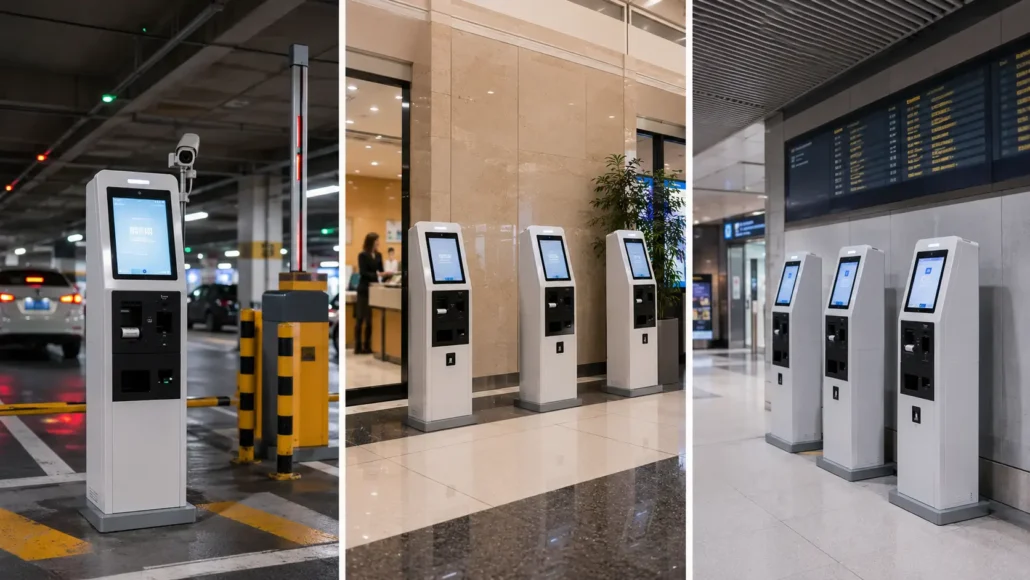
Linux is widely used in self-service systems because it offers flexibility, stability, and long-term deployment control.
Typical applications include:
- Parking payment kiosks
- Ticket vending machines
- Banking self-service terminals
- Queue management systems
- Visitor management kiosks
- Retail self-checkout systems
Unlike consumer environments, self-service deployments often operate continuously for years. Integrators therefore prioritize reliability, system stability, and maintainability over convenience.
Linux Support Means More Than Driver Availability
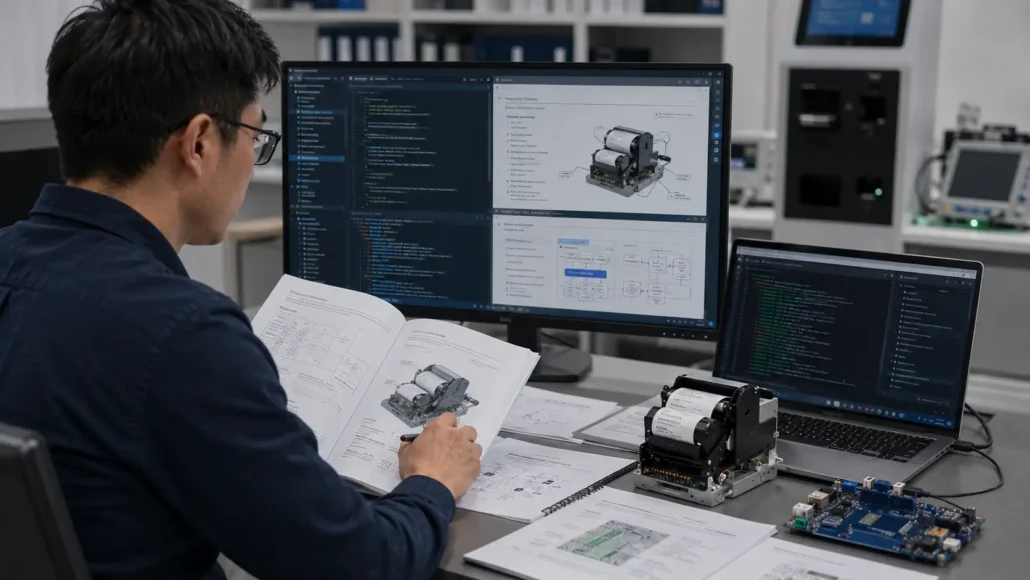
One of the most common misconceptions is that Linux compatibility begins and ends with a driver.
In reality, experienced integrators usually evaluate several areas:
Driver Availability
The printer should support the Linux distributions used by the project.
Communication Interfaces
Most kiosk printers rely on:
- USB
- RS232
- Ethernet
Different projects may require different communication architectures.
SDK Support
Many projects require direct printer control through custom software.
Integrators frequently ask:
- Is an SDK available?
- Are sample applications provided?
- Is technical documentation available?
The availability of development resources can significantly reduce integration time.
Linux Kiosk Printer Integration Checklist
| Integration Point | What to Confirm | Why It Matters |
| Linux driver support | Target Linux distribution, kernel version, installation method | The printer must work reliably in the actual deployment environment |
| SDK availability | Libraries, sample code, command documentation, API support | SDK resources reduce integration time and development risk |
| Communication interface | USB, RS232, Ethernet, or Virtual COM | The interface must match the kiosk controller and software architecture |
| Status feedback | Paper-out, paper near-end, jam, cutter error, printer online status | Unattended kiosks need clear device status for remote support |
| Presenter or cutter control | Presenter, retract, cutter, and paper path functions | Advanced paper handling often requires direct software control |
| Error recovery | Reconnect behavior, timeout handling, restart behavior | The system must recover safely after failures or interruptions |
| Maintenance access | Paper loading, printer access, service clearance | Linux integration still depends on practical field maintenance |
| Long-term support | Documentation updates, firmware support, engineering assistance | Kiosk deployments often remain in service for years |
 Communication Interfaces Often Influence Integration Complexity
 Communication Interfaces Often Influence Integration Complexity
During early project stages, printer selection often focuses on printing performance.
However, communication architecture frequently determines how difficult integration becomes later.
For example:
USB
Simple and widely supported.
RS232
Common in industrial control systems and legacy kiosk platforms.
Ethernet
Useful when printers are connected through distributed network architectures.
The appropriate interface depends on the overall kiosk design rather than the printer alone.
Why SDK Support Matters
Many self-service projects require more than basic receipt printing.
Applications may need to:
- Monitor printer status
- Detect paper-out conditions
- Manage presenter functions
- Trigger ticket retract operations
- Control print workflows
Without suitable SDK resources, even simple integrations can become unnecessarily complicated.
For this reason, experienced integrators often evaluate SDK availability before comparing print speed or paper capacity.

Deployment Conditions Matter More Than Testing
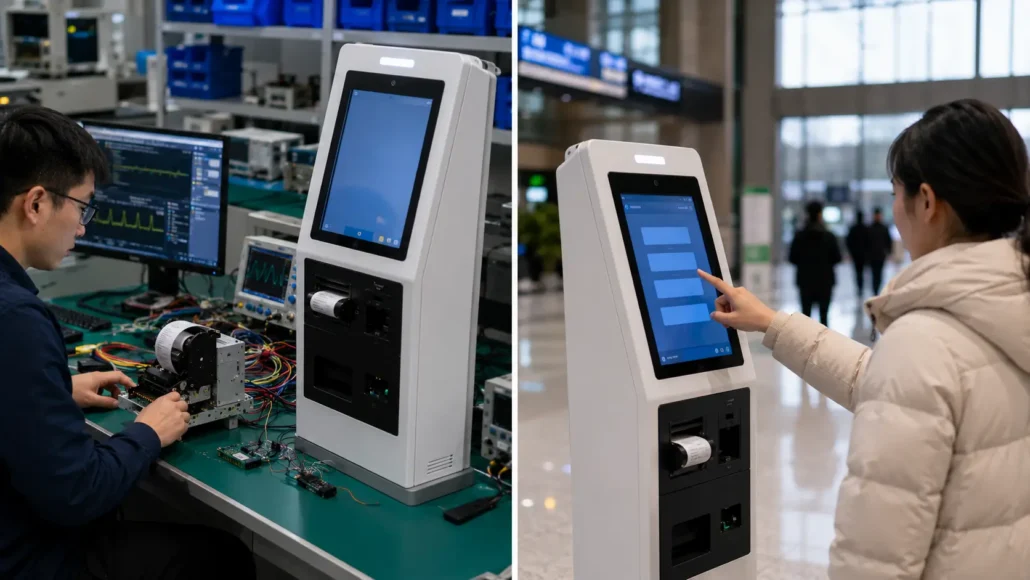
A printer that works correctly in a laboratory environment may face very different conditions after deployment.
Typical challenges include:
- Dust accumulation
- Environmental changes
- Continuous operation
- High transaction volume
- Delayed maintenance cycles
This is why experienced teams evaluate not only Linux compatibility but also long-term serviceability.
Printer accessibility, paper replacement procedures, and maintenance efficiency often have a greater impact on operational success than benchmark specifications.
Common Questions System Integrators Ask
Before selecting a Linux kiosk printer, project teams commonly ask:
- Does the printer support Linux?
- Is an SDK available?
- What communication interfaces are supported?
- Can the printer report status information?
- How is paper replacement performed?
- Is the printer suitable for unattended operation?
- Is technical support available during integration?
These questions usually reveal more about deployment requirements than print speed alone.
Lessons Learned from Real Deployments
Many self-service projects initially focus on operating system compatibility and communication interfaces.
However, after deployment, integration teams often discover that long-term operational factors have a greater impact on project success.
For example, printers that appear easy to integrate during laboratory testing may require additional effort when deployed across multiple locations, connected through different communication architectures, or operated under continuous transaction loads.
Experienced teams therefore evaluate not only Linux support, but also documentation quality, SDK resources, maintenance accessibility, and long-term serviceability before making a final hardware decision.
These considerations frequently reduce deployment risk more effectively than comparing technical specifications alone.
Recommended Linux-Compatible Kiosk Printers
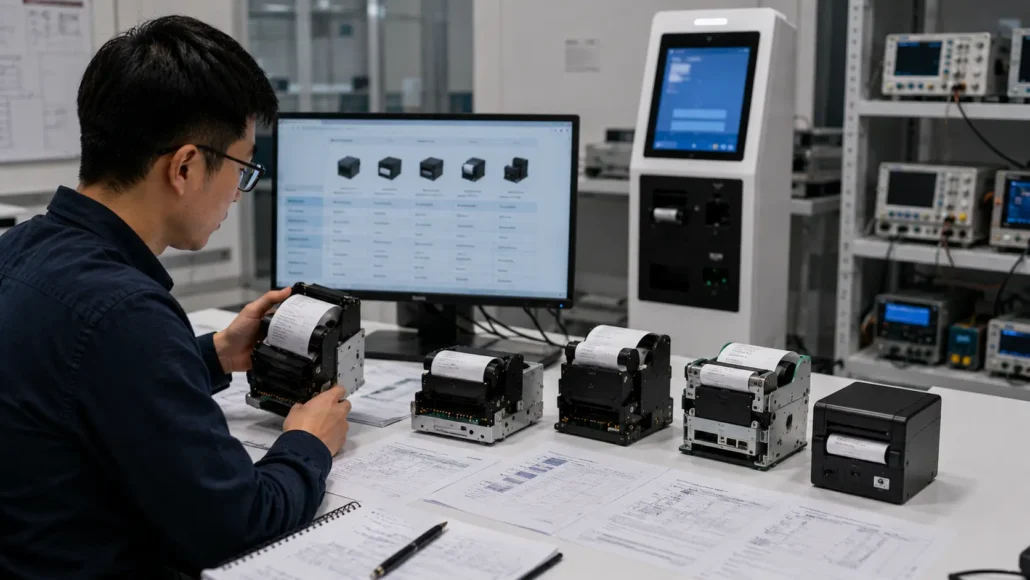
Depending on project requirements, different printer architectures may be appropriate.
SNR-KP802-VX
Suitable for:
- Parking systems
- Ticket vending machines
- High-volume unattended applications
Key advantages:
- Large paper roll capacity
- Presenter functionality
- Linux support
- Long-term deployment reliability
SNR-KP800-VX
Suitable for:
- General self-service kiosks
- Banking terminals
- Queue management systems
Key advantages:
- Flexible integration
- Compact architecture
- Linux support
- Multiple communication options
SNR-KP602-VX
Suitable for:
- Ticket issuance applications
- Visitor management systems
- Queue management terminals
Key advantages:
- Presenter functionality
- Compact footprint
- Linux support
SNR-KP602-TM
Suitable for:
- Compact receipt printing
- Queue management systems
- Visitor registration kiosks
Key advantages:
- Compact structure
- Easy integration
- Linux support
What Experienced Integrators Usually Evaluate First
Interestingly, experienced deployment teams often do not begin by comparing print speed.
Instead, they evaluate:
- Linux compatibility
- SDK support
- Communication architecture
- Maintenance accessibility
- Paper roll capacity
- Deployment environment
These factors often determine long-term project success more than technical specifications alone.
Common Integration Mistakes
When evaluating Linux-compatible kiosk printers, project teams sometimes:
- Assume Linux support is limited to driver availability.
- Underestimate the importance of SDK documentation and sample applications.
- Focus on printer specifications while overlooking deployment architecture.
- Ignore maintenance accessibility during integration planning.
- Evaluate hardware only in laboratory conditions without considering real operational environments.
Avoiding these mistakes can significantly improve deployment efficiency and reduce long-term support requirements.
Conclusion
Linux compatibility has become a standard requirement for many modern self-service kiosk projects. However, successful integration depends on much more than driver availability.
When evaluating a Linux kiosk printer, system integrators should consider SDK support, communication interfaces, deployment conditions, maintenance accessibility, and long-term operational requirements.
The most successful deployments typically result from selecting hardware that fits the overall system architecture rather than simply choosing the fastest printer.
Frequently Asked Questions
What does Linux support mean for a kiosk printer?
Linux support usually means more than basic printing. It may include driver compatibility, SDK libraries, command documentation, sample code, status monitoring, and support for functions such as paper-out detection, cutter control, presenter control, and error recovery.
What should system integrators test before deploying a Linux kiosk printer?
Integrators should test printing, communication stability, paper-out detection, printer status feedback, cutter or presenter functions, power interruption, host restart, reconnect behavior, and remote troubleshooting under the target Linux environment.
Is USB or RS232 better for Linux kiosk printer integration?
There is no universal answer. USB is often simple for modern systems, while RS232 is common in industrial and legacy kiosk platforms. The best choice depends on the kiosk controller, cable routing, software architecture, and long-term service requirements.
Why is SDK support important for Linux kiosk printer projects?
SDK support helps developers control printer functions, monitor device status, handle errors, and reduce integration time. Without clear SDK resources, teams may need to build low-level command handling themselves.
Can Linux kiosk printers be used in unattended outdoor deployments?
Yes, but hardware selection should also consider paper handling reliability, environmental protection, maintenance access, status feedback, and long-term support. Linux compatibility alone is not enough for outdoor or high-volume unattended operation.
Planning a Linux Kiosk Printer Integration Project?
If you are evaluating a Linux-compatible kiosk printer for a parking terminal, ticket vending machine, banking kiosk, queue system, visitor management terminal, or other unattended self-service application, SNRO can help review the printer configuration before sample testing.
Send us your Linux environment, interface requirement, paper width, presenter or cutter requirement, expected print volume, and kiosk installation layout. Our team can recommend a suitable kiosk printer model and available integration resources for your project.
Related Resources
- Kiosk Printer Hub
- Kiosk Printer Buying Guide
- How to Choose a Kiosk Printer in 2026
- Raspberry Pi Linux parking kiosk printer integration
- Kiosk Printer Selection Guide (Full System Overview)
- 58mm vs 80mm Kiosk Printer: Which Is Better for Self-Service Applications?
- Presenter Printer vs Auto Cutter Printer: Which Design Fits Your Project?
- Why Kiosk Printers Jam in Real Self-Service Deployments
- Why Maintenance Accessibility Matters in Self-Service Kiosk Design