Blog
How to Choose a Kiosk Printer for Self-Service Kiosks?

When a self-service kiosk project enters the hardware selection phase, the printer is often treated as a standard component.
Many teams compare print speed, paper width and price, then assume the decision is complete.
In real deployments, however, printer-related issues are among the most common causes of kiosk downtime.
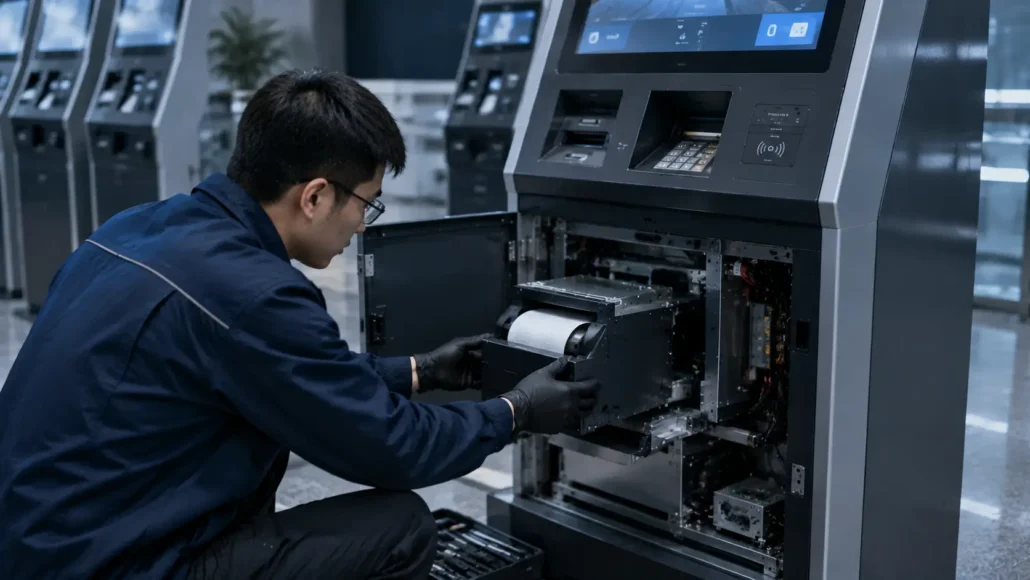
Paper jams, difficult maintenance, unsupported operating systems, small paper roll capacity and poor ticket handling often become visible only after the system has been deployed.
For system integrators, OEM manufacturers and kiosk solution providers, selecting the right kiosk printer can significantly reduce maintenance costs and improve long-term system reliability.
This guide explains the key factors that should be evaluated before choosing a kiosk printer for self-service applications.
What Is a Kiosk Printer?
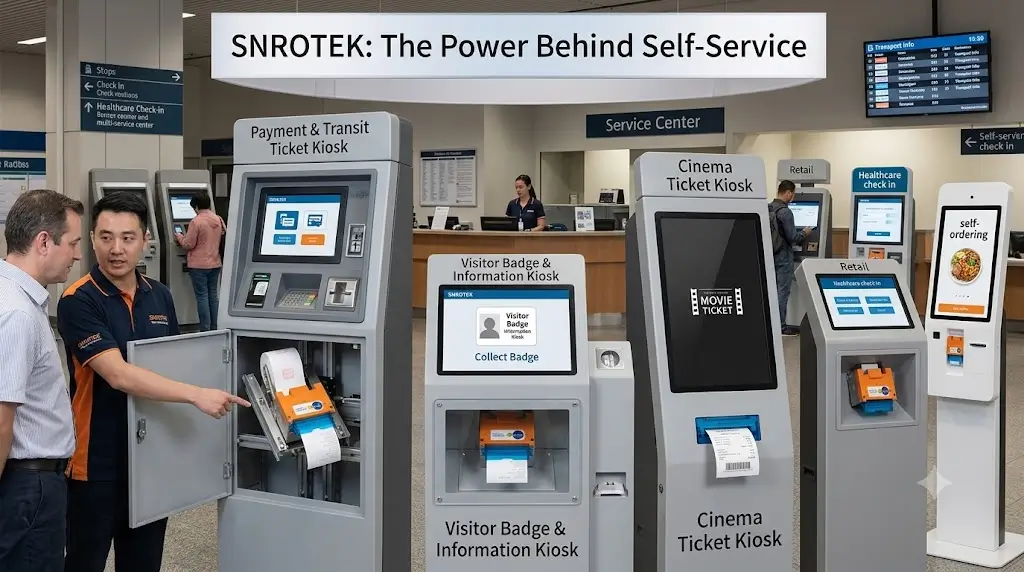
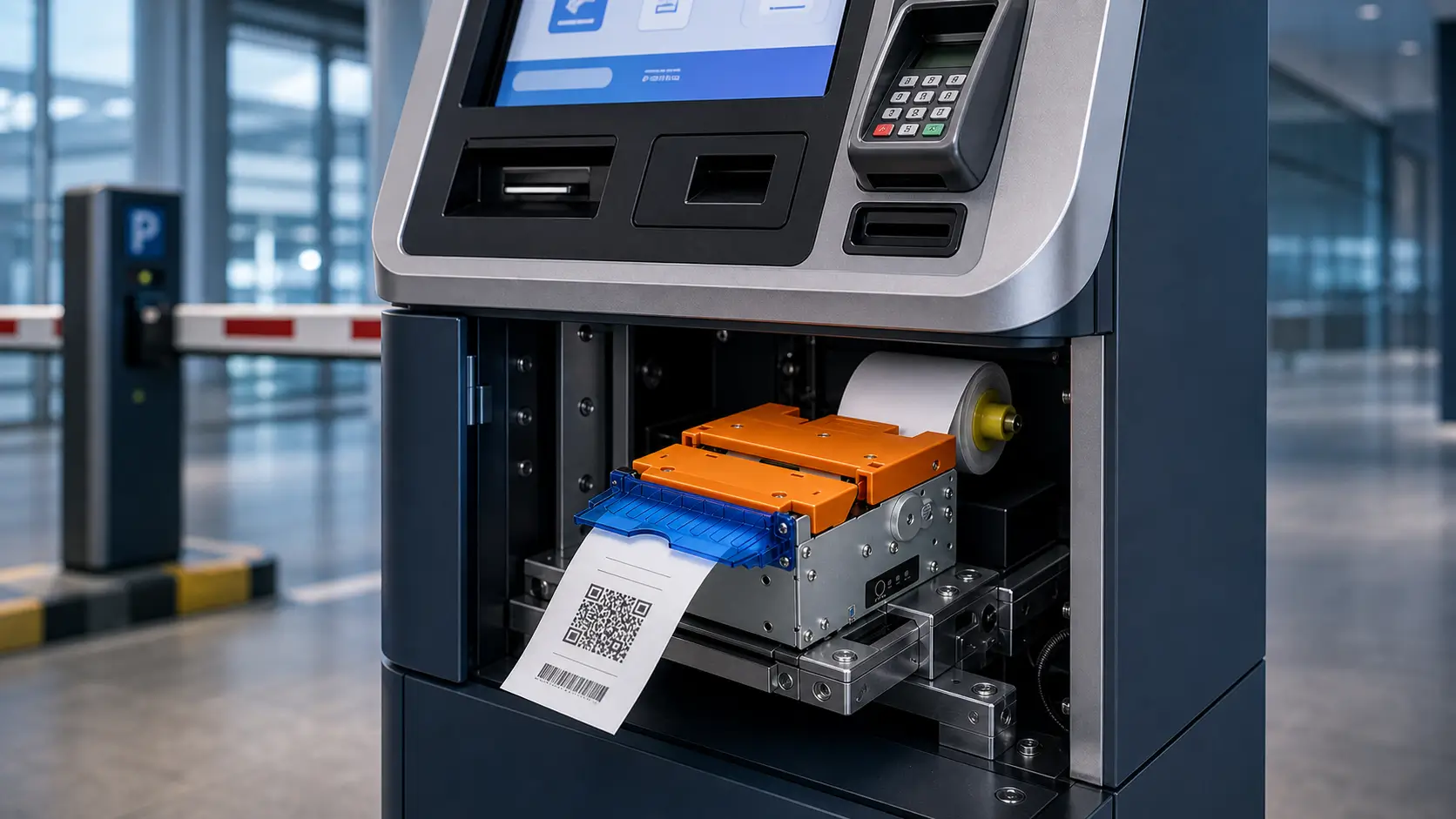
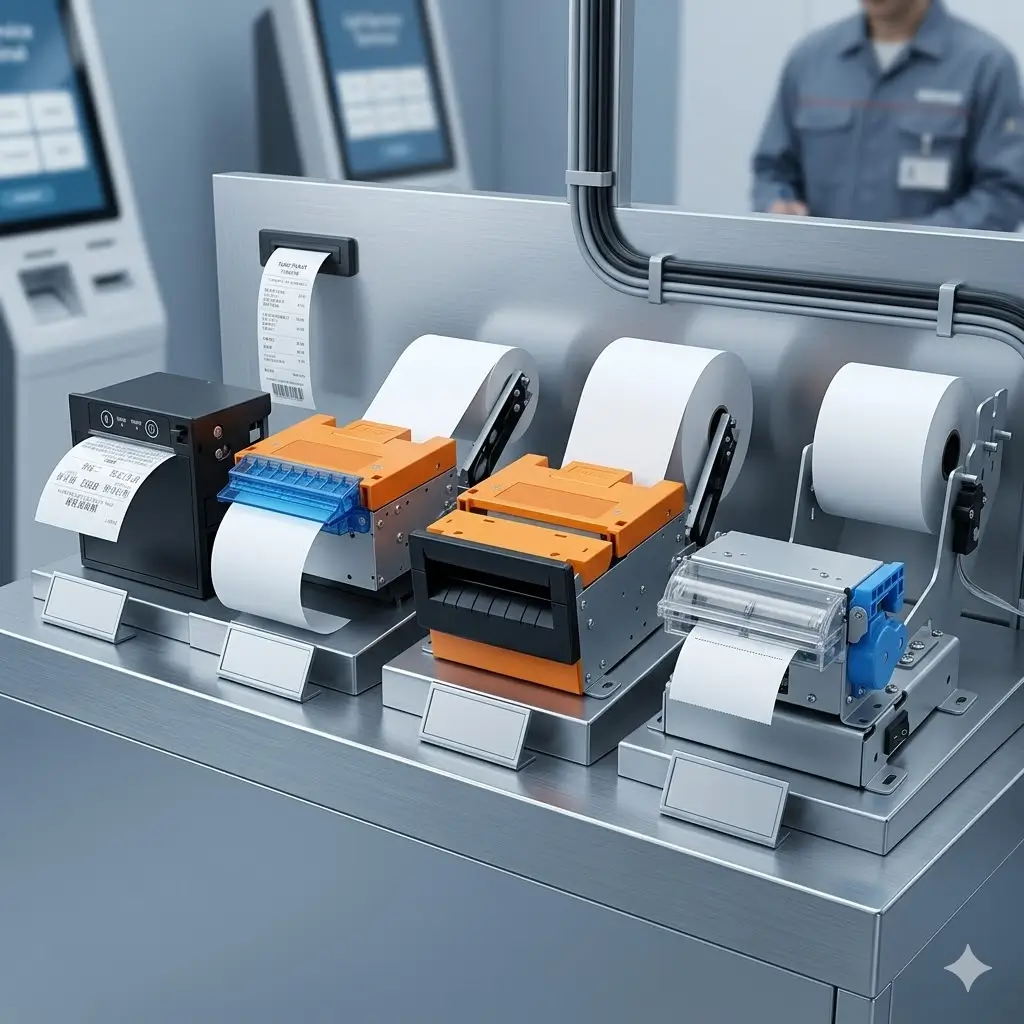
A kiosk printer is an embedded thermal printer designed to operate inside self-service equipment.
Unlike desktop receipt printers, kiosk printers are built for:
- Unattended operation
- Continuous printing
- Easy paper replacement
- Integration with kiosk software
- Industrial environments
Typical applications include:
- Parking payment kiosks
- Ticket vending machines
- Banking self-service terminals
- Hotel self check-in kiosks
- Queue management systems
- Visitor management terminals
- Self-checkout systems
Why Printer Selection Matters More Than Many Teams Expect
During prototype testing, almost any printer can appear reliable.
However, deployment environments are very different.
After installation, printers may operate:
- 24 hours per day
- In dusty environments
- In high humidity locations
- Under heavy transaction loads
- With minimal maintenance access
When problems occur, the cost is usually much higher than the original printer price difference.
For many kiosk operators, service visits become the largest long-term operating expense.
1. Choose the Right Print Width
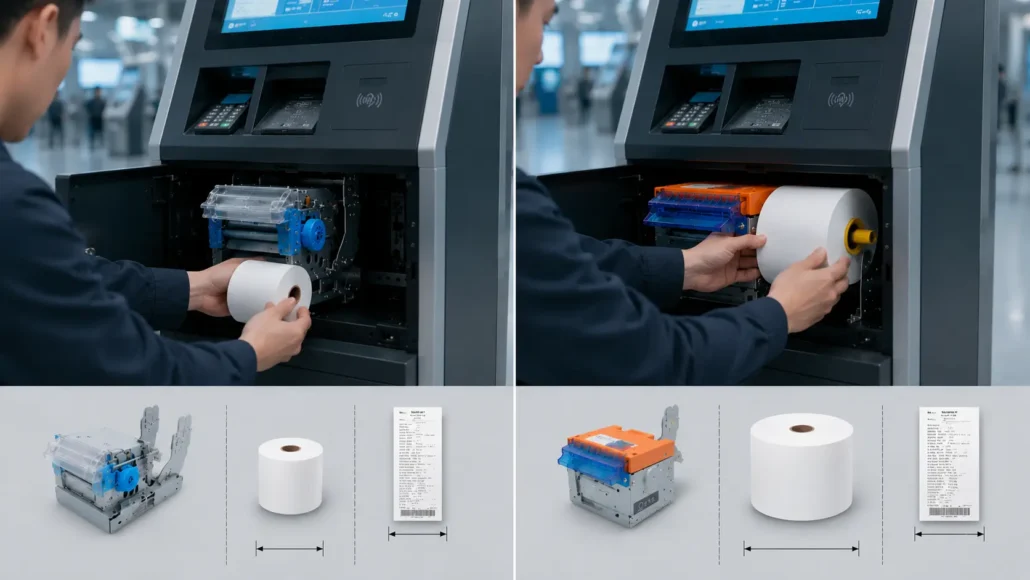
The first decision is usually print width.
58mm Kiosk Printers
Advantages:
- Smaller installation space
- Lower paper consumption
- Lower hardware cost
Typical applications:
- Queue ticket machines
- Access control terminals
- Visitor management systems
Recommended Model:
- SNR-KP602-V
- SNR-KP602-TM
- SNR-KP602-H
80mm Kiosk Printers
Advantages:
- Larger receipt format
- Better barcode printing
- More information per ticket
Typical applications:
- Parking systems
- Banking terminals
- Ticket vending machines
- Hotel kiosks
Recommended Models:
- SNR-KP800-VX
- SNR-KP802-VX
- SNR-KP800-TU
- SNR-KP805
- SNR-KP8011
- SNR-KP347-V
2. Presenter Printer vs Auto Cutter Printer
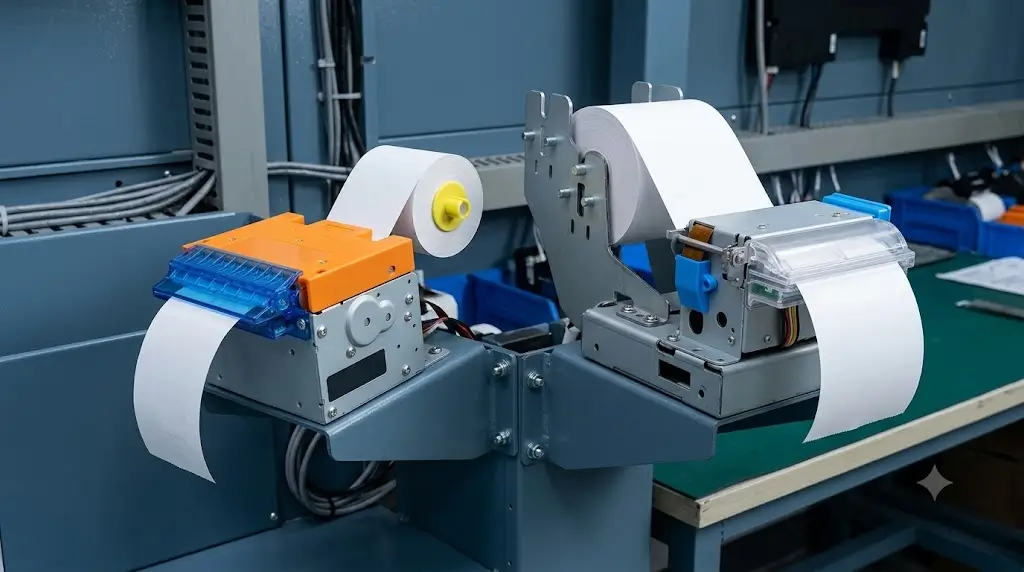
This is one of the most overlooked decisions in kiosk design.
Auto Cutter Printer
The ticket is cut and immediately presented to the user.
Advantages:
- Lower cost
- Simpler mechanism
Best for:
- Queue ticket systems
- Information kiosks
Recommend Model:
Presenter Printer
The printer holds the ticket until printing is complete and then presents it to the user.
Advantages:
- Prevents ticket pulling during printing
- Reduces paper jams
- Improves transaction reliability
Best for:
- Parking payment kiosks
- Banking terminals
- Ticket vending machines
Recommended Model:
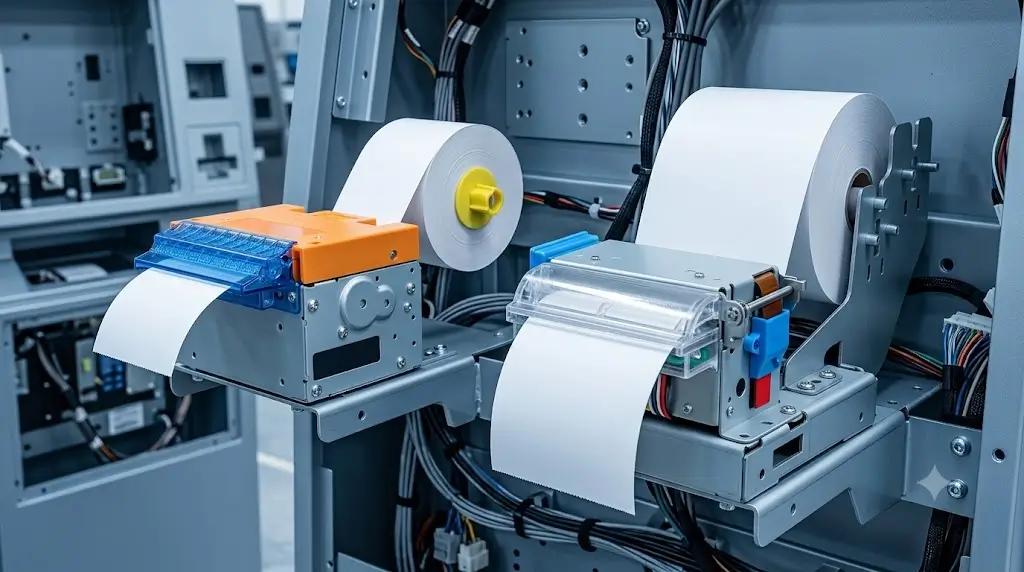
3. Evaluate Paper Roll Capacity
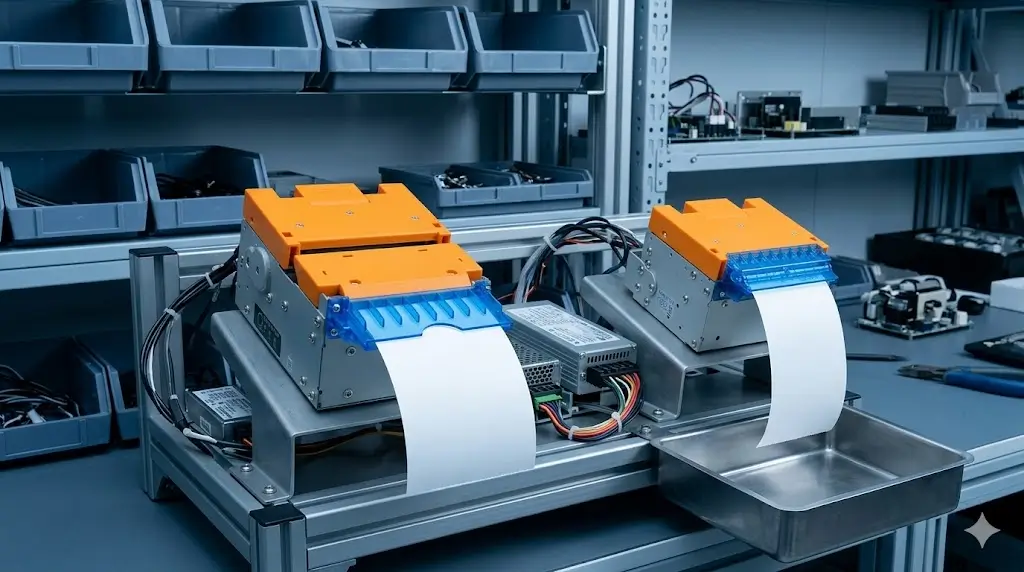
Paper roll capacity directly affects maintenance frequency.
Many teams focus on printer speed while overlooking paper capacity.
In practice, larger paper rolls often create greater operational savings than faster print speeds.
Typical examples:
| Paper Roll | Maintenance Frequency |
|---|---|
| Ø80mm | Higher |
| Ø120mm | Lower |
| Ø150mm | Lowest |
For unattended systems, larger paper capacity is usually preferred.
4. Check SDK and Operating System Support
Hardware integration often becomes a bottleneck during development.
Before selecting a printer, verify support for:
- Windows
- Linux
- Android
Also evaluate:
- SDK availability
- API documentation
- Demo software
- Technical support
A printer with strong software support can significantly reduce development time.
5. Consider Maintenance Accessibility
Many printer failures are not caused by the printer itself.
Instead, they result from poor kiosk design.
Questions to evaluate:
- Can paper be replaced from the front?
- Is the printer easy to access?
- Can maintenance be performed without removing the kiosk door?
- Is paper jam recovery simple?
Maintenance accessibility often determines long-term operating cost.
6. Match the Printer to the Application
Different applications have different requirements.
Parking Payment Kiosks
Key requirements:
- Presenter function
- Large paper roll capacity
- High reliability
Recommended:
- SNR-KP802-VX
Banking Self-Service Terminals
Key requirements:
- Secure ticket handling
- Reliable operation
- Linux compatibility
Recommended:
- SNR-KP802-VX
Hotel Self Check-In Kiosks
Key requirements:
- Compact installation
- Receipt printing
- Guest self-service operation
Recommended:
- SNR-KP800-VX
Queue Management Systems
Key requirements:
- Fast ticket output
- Low operating cost
Recommended:
- SNR-KP602-V
Recommended Kiosk Printer Models
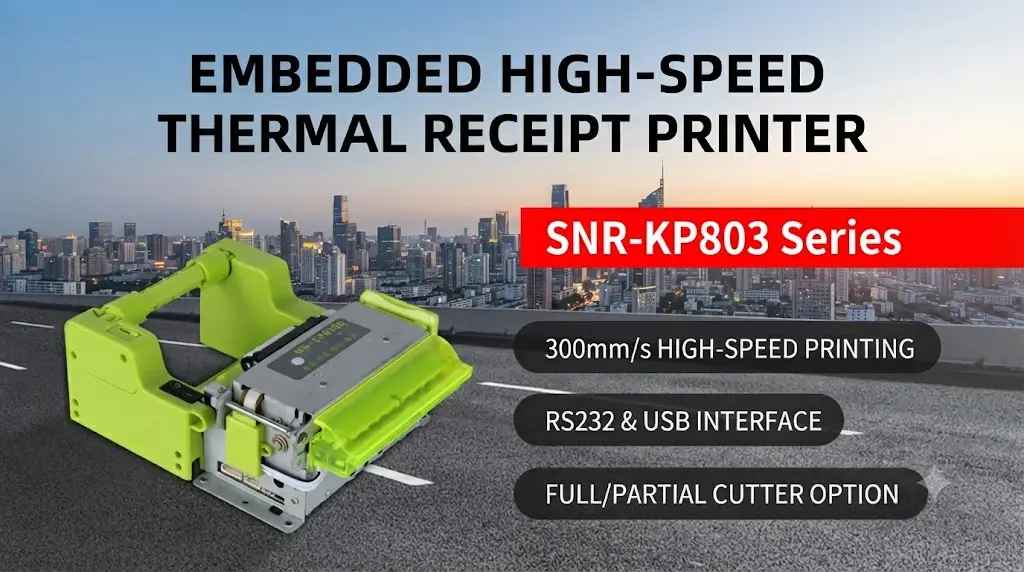
SNR-KP602-V
58mm kiosk printer for queue management and access control systems.
SNR-KP800-TU
80mm compact kiosk printer for hotel kiosks and visitor management systems.
SNR-KP800-VX
80mm industrial kiosk printer with auto cutter.
SNR-KP802-VX
80mm kiosk printer with presenter and optional retract function.
Frequently Asked Questions
What is a kiosk printer?
A kiosk printer is an embedded thermal printer designed for unattended self-service equipment.
What is the difference between a kiosk printer and a POS printer?
Kiosk printers are designed for integration inside machines, while POS printers are designed for countertop use.
What is a presenter printer?
A presenter printer holds the ticket until printing is complete and then presents it to the user.
Which printer is best for parking systems?
Presenter printers such as the SNR-KP802-VX are commonly used in parking payment kiosks.
Do kiosk printers support Linux?
Many industrial kiosk printers support Linux, Windows and Android platforms through SDK and API integration.
Related Resources
Self-Service Kiosk Solutions
Explore complete hardware solutions for different self-service applications:
- Industrial PC for Self-Service Kiosks
- Visitor Management Hardware Solutions
- Hotel Self Check-In Hardware Solutions
- Access Control Kiosk Hardware Solutions
- Smart Locker Hardware Solutions
- Queue Management System Hardware Solutions
- Self-Checkout Kiosk Hardware Solutions
Kiosk Printer Buying Guides
Learn more about kiosk printer selection and deployment:
- How to Choose a Kiosk Printer for Parking Systems
- How to Choose a Kiosk Printer for Banking Self-Service Terminals
- How to Choose a Kiosk Printer for Ticket Vending Machines
- Kiosk Printer SDK and Integration Guide
- Linux Kiosk Printer Integration Guide
Recommended Kiosk Printer Models
Looking for specific printer hardware?
Recommended models include:
- SNR-KP602-V 58mm Kiosk Printer
- SNR-KP805 80mm Kiosk Printer
- SNR-KP800-VX Industrial Kiosk Printer
- SNR-KP802-VX Kiosk Printer with Presenter
Support Resources
Need technical information?
Visit our:
- Driver Download Center
- SDK Download Center
- Product Manuals
- Integration Support
- Technical FAQ Center
Final Thoughts
Selecting a kiosk printer is not only about print speed or hardware cost.
System integrators should evaluate ticket handling, paper capacity, maintenance accessibility, SDK support and long-term operating requirements before making a decision.
The right printer can improve system uptime, reduce service calls and help ensure successful deployment of self-service kiosks.
For parking systems, banking terminals, hotel kiosks, ticket vending machines and visitor management applications, choosing a printer designed specifically for unattended operation is often the most cost-effective decision over the life of the project.