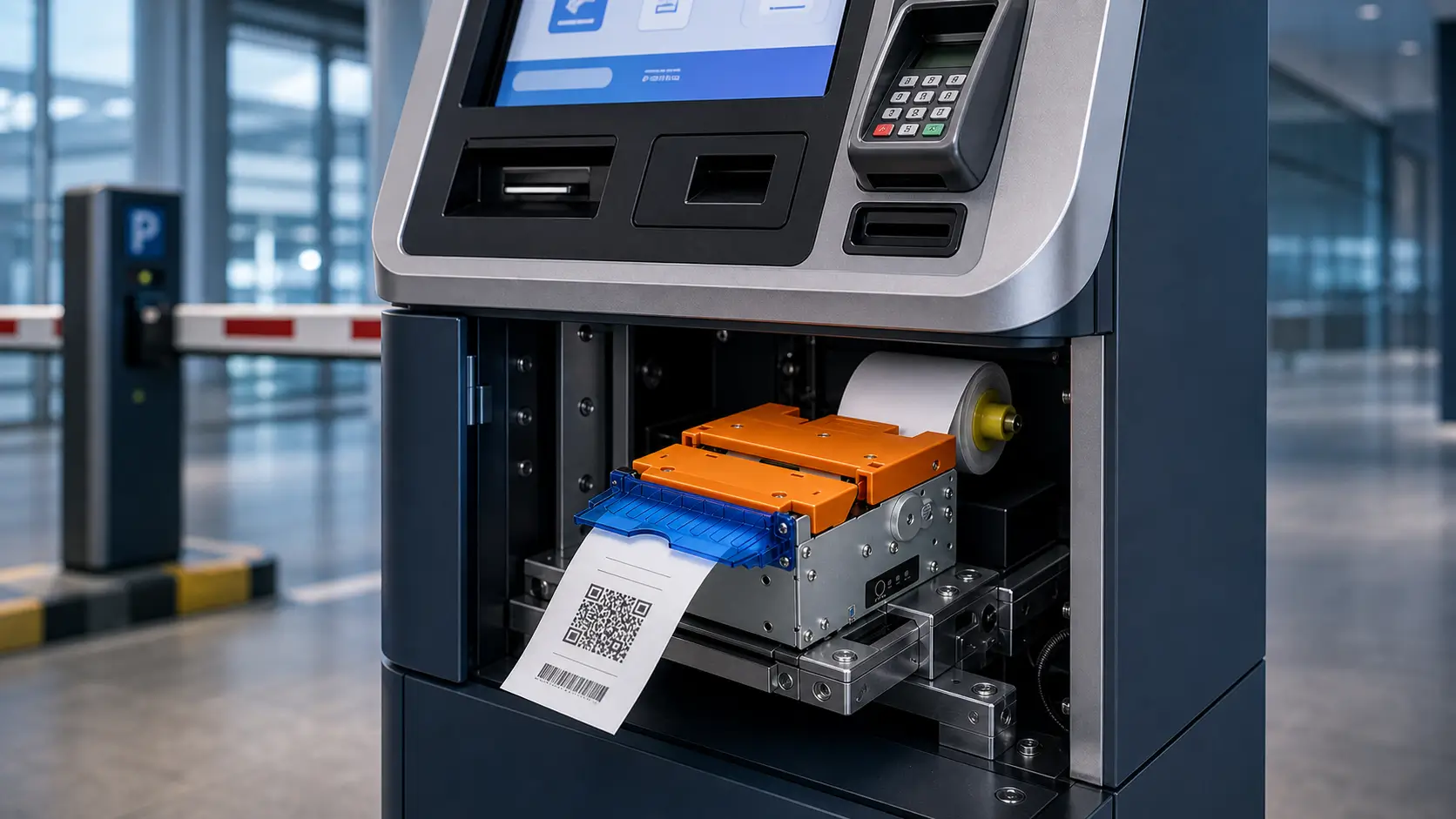


Blog
Kiosk Printer SDK Guide: What System Integrators Should Evaluate Before Development
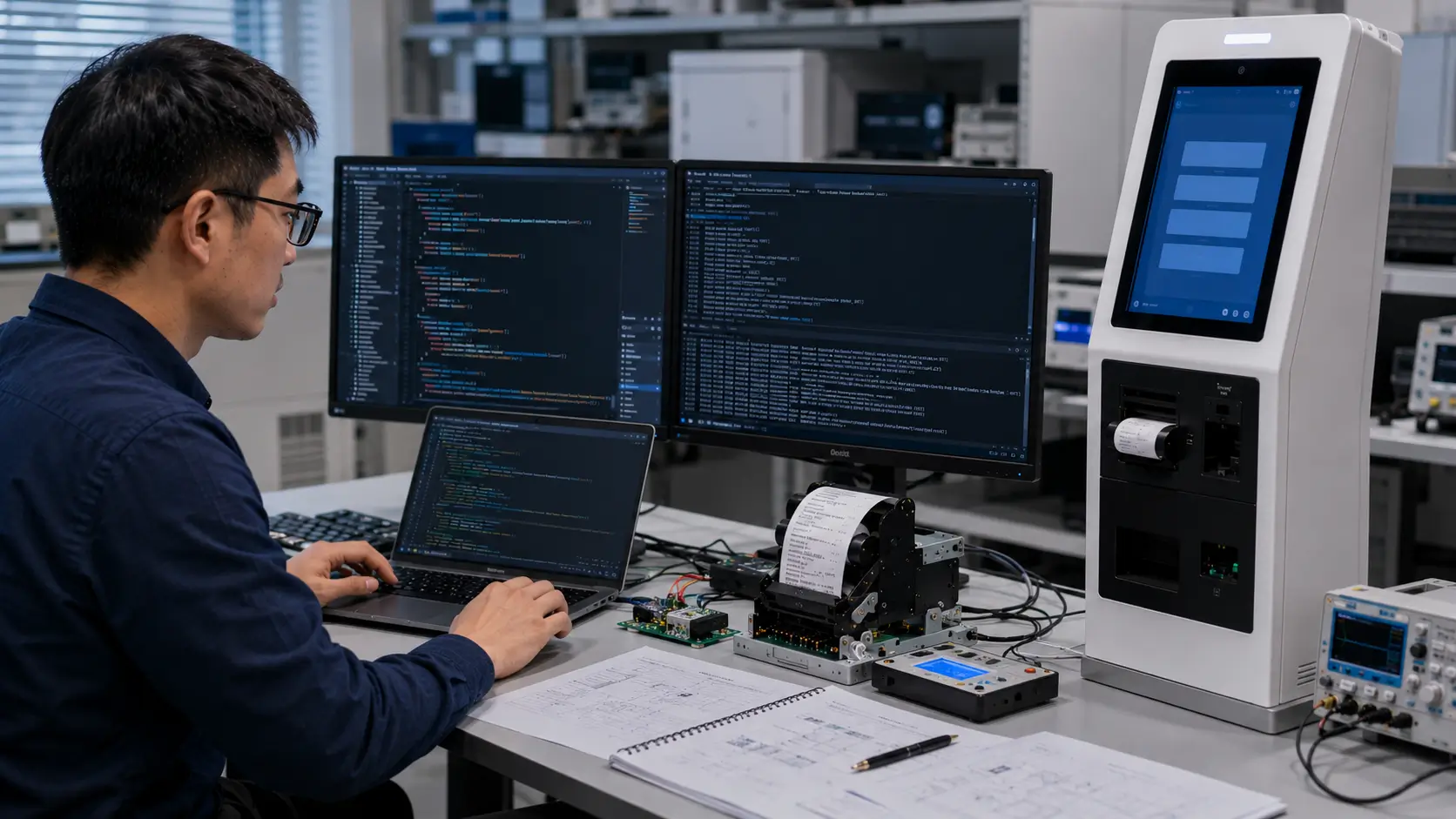
Introduction
In many self-service kiosk projects, choosing a printer model is only the beginning.
The real integration work usually starts when the development team connects the printer with the kiosk software.
At this stage, engineers need answers to practical questions:
- How does the application send print commands?
- Does the printer provide SDK resources?
- Which operating systems are supported?
- How can software detect paper-out or printer errors?
- Is status monitoring available?
- How should the printer recover from unexpected conditions?
A kiosk printer is not only a hardware component.
Inside an unattended self-service terminal, it becomes part of the complete transaction workflow.
The software must communicate with the printer reliably.
The printer must provide clear status information.
The system must handle errors before they affect users.
This is why SDK capability should be evaluated before prototype development, not after the kiosk design is already completed.
This guide is written for:
- System integrators
- Kiosk manufacturers
- OEM terminal builders
- Software developers
- Self-service solution providers
It explains what a professional kiosk printer SDK should include, how developers evaluate integration resources, and what technical factors affect long-term deployment reliability.
Quick Answer
A good kiosk printer SDK should provide developers with everything required to control printing, monitor printer status, handle errors and integrate the printer into a self-service application.
Before selecting a kiosk printer, engineering teams should evaluate:
- SDK availability
- API documentation
- Command protocol support
- ESC/POS compatibility
- Driver resources
- Operating system support
- Sample code
- Status monitoring capability
- Error handling functions
For commercial self-service systems, the best printer is not always the printer with the lowest price.
It is the printer that allows the hardware and software teams to complete integration efficiently and maintain stable operation after deployment.
Key Takeaways
1. SDK capability affects project development risk
A printer may work perfectly during a simple demo.
However, real kiosk systems require much more:
- automatic printing
- status checking
- error recovery
- remote maintenance
- software integration
Without proper SDK resources, these functions become more difficult to implement.
2. Printer integration starts before prototype production
Experienced system integrators evaluate:
- printer communication method
- SDK resources
- operating system compatibility
- command support
before finalizing the kiosk structure.
This reduces redesign risk later.
3. Status feedback is critical for unattended kiosks
A kiosk operating without staff support must know:
- Is paper available?
- Is the cover closed?
- Did cutting complete?
- Did printing finish successfully?
Without status feedback, the kiosk may continue operating while users experience failures.
What a Kiosk Printer SDK?
A kiosk printer SDK is a software development resource that allows an application or kiosk controller to communicate with an embedded thermal printer.
Depending on the printer platform, SDK resources may include:
- software libraries
- API documentation
- communication protocols
- command manuals
- sample programs
- drivers
- testing utilities
The purpose of an SDK is to reduce the difficulty of integrating the printer into a complete self-service system.

Kiosk Printer SDK vs Basic Printer Connection
Some projects assume that connecting a printer through USB or serial communication is enough.
Technically, the printer may receive commands.
However, commercial kiosk systems require more than basic printing.
| Basic Connection | Professional SDK Integration |
|---|---|
| Send print command | Control complete print workflow |
| Print output | Monitor printer status |
| Manual troubleshooting | Software error handling |
| Simple communication | Application-level integration |
| Limited feedback | Paper and fault detection |
For unattended kiosks, software visibility becomes as important as printing capability.
What Should A Professional Kiosk Printer SDK Include?
A complete SDK package should normally include several components.
1. API Documentation
API documentation explains how the software communicates with the printer.
It should clearly describe:
- available functions
- parameters
- return values
- command examples
- error codes
Good documentation reduces development time and prevents unnecessary troubleshooting.
2. Communication Protocol
The project team should understand how the printer communicates with the kiosk controller.
Common methods include:
USB
Common for:
- Windows kiosks
- compact terminals
- standard embedded systems
Advantages:
- simple installation
- wide compatibility
RS232 / Serial
Common for:
- industrial terminals
- legacy systems
- dedicated controllers
Advantages:
- stable industrial communication
- simple protocol handling
Ethernet / Network
Common for:
- distributed systems
- large deployments
- remote management environments
Advantages:
- flexible system architecture
3. Command Protocol Support
Many thermal kiosk printers support command-based communication.
A common example is ESC/POS command structure.
Typical functions include:
- text printing
- image printing
- barcode printing
- QR code printing
- paper feeding
- cutting
- status checking
Command support should be evaluated according to the real application requirements.
4. Sample Code And Development Tools
Sample code helps developers understand the actual integration method.
Useful resources include:
- printing examples
- initialization examples
- status query examples
- error handling examples
For system integrators, sample code can significantly reduce prototype development time.
Typical Kiosk Printer SDK Integration Workflow
How Software Teams Usually Integrate A Kiosk Printer
A common misunderstanding in kiosk projects is that printer integration starts from sending a print command.
In real engineering projects, printing is only one part of the complete integration process.
A professional integration workflow usually includes:
Hardware Evaluation -> SDK / Protocol Review -> Development Environment Setu -> Basic Communication Test -> Print Function Development

-> Status Monitoring Integration -> Error Recovery Design -> Prototype Testing -> Mass Deployment
Each stage affects long-term system stability.
Step 1: Hardware And SDK Evaluation Before Development
Before software development begins, the engineering team should confirm:
Printer Hardware Information
- Printer model
- Paper width
- Communication interface
- Cutter or presenter structure
- Power requirements
Software Integration Resources
- SDK availability
- API documentation
- Driver package
- Command manual
- Sample code
- Testing tools
Many integration problems happen because software teams start development before confirming available resources.
Step 2: Development Environment Setup
After selecting the printer, developers normally prepare:
- operating system environment
- communication interface
- SDK libraries
- development tools
- sample applications
Typical environments include:
Windows Development
Common tools:
- Windows SDK
- Dynamic libraries
- Printer drivers
- Demo applications
Linux Development
Common requirements:
- library files
- communication permissions
- command protocol documents
- sample applications
Android Development
Common requirements:
- Android SDK
- USB communication support
- application permission configuration
A clear development environment reduces initial debugging time.
Step 3: Basic Communication Test
The first integration goal is not a complete kiosk application.
It is confirming:
Can the software communicate with the printer correctly?
Typical tests include:
- device detection
- connection initialization
- basic print command
- communication response
At this stage, developers verify:
- hardware connection
- interface stability
- SDK operation
Step 4: Implement Printing Functions
After communication is confirmed, developers normally integrate printing functions.
Typical functions include:
Text Printing
Used for:
- receipts
- tickets
- confirmation slips
Image Printing
Used for:
- logos
- branding elements
- simple graphics
Barcode Printing
Used for:
- ticket validation
- access control
- payment confirmation
QR Code Printing
Used for:
- mobile payment
- digital verification
- customer pickup
Paper Control
Including:
- paper feeding
- line spacing
- printing position
Step 5: Add Printer Status Monitoring
Professional kiosk integration requires more than printing.
The software should understand printer conditions.
Common monitoring functions include:
| Status | Software Action |
|---|---|
| Printer online | Continue operation |
| Paper available | Allow printing |
| Paper out | Notify maintenance |
| Cover open | Stop printing |
| Cutter error | Trigger recovery |
| Communication failure | Reconnect or alert |
For unattended kiosks, status monitoring directly affects operational reliability.
Step 6: Implement Error Recovery Logic
Real deployments are different from laboratory tests.
A kiosk may experience:
- temporary communication interruption
- power restart
- paper replacement
- unexpected user actions
A professional system should define recovery behavior.
Examples:
Communication Lost
Possible response:
- reconnect printer
- verify device status
- retry print task
Paper Empty
Possible response:
- stop new transactions
- notify operator
- resume after maintenance
Cutter Error
Possible response:
- report error
- execute recovery command
- request service

API Functions Developers Usually Need
A practical kiosk printer API normally focuses on several functional areas.
1. Device Initialization
Purpose:
Establish communication between software and printer.
Typical functions:
- open connection
- detect device
- initialize printer
Example workflow:
Application -> Initialize Printer -> Check Device Response -> Ready For Printing2. Print Control API
Core printing functions usually include:
- print text
- print image
- print barcode
- print QR code
- feed paper
- cut paper
These functions create the basic printing workflow.
3. Status Query API
For unattended systems, status functions are extremely important.
Common status information:
- printer ready
- paper status
- cover status
- cutter status
- presenter status
- error status
This allows the kiosk software to make decisions automatically.
4. Device Control API
Some applications require additional hardware control.
Examples:
- presenter operation
- retract function
- paper positioning
- sensor control
These functions are especially important for:
- parking kiosks
- ticket machines
- banking terminals
ESC/POS Command Integration
Why Command Compatibility Matters
Many thermal printers use ESC/POS command structures because they provide a standard method for controlling printing functions.
For kiosk projects, ESC/POS compatibility can simplify:
- software development
- printer replacement
- application migration
Common ESC/POS Functions
Text Formatting
Examples:
- font size
- alignment
- bold printing
- character spacing
Image Printing
Used for:
- logos
- icons
- simple graphics
Barcode And QR Code Commands
Used for:
- ticket validation
- payment references
- customer verification
Paper Control Commands
Including:
- feed paper
- line spacing
- cutter control
Status Commands
Used for:
- paper detection
- printer condition monitoring
- error feedback
Why ESC/POS Alone Is Not Enough
Although command compatibility is important, professional kiosk integration requires more than sending commands.
A complete system also needs:
- stable communication
- status feedback
- error handling
- SDK resources
- testing support
The command protocol solves communication.
The SDK ecosystem solves deployment.
Windows, Linux And Android SDK Considerations
Different kiosk platforms create different integration requirements.
Windows Kiosk Printer SDK
Windows remains one of the most common platforms for commercial self-service terminals.
Common requirements:
- driver support
- DLL libraries
- sample applications
- USB / serial communication support
Typical applications:
- retail kiosks
- hotel terminals
- payment systems
- ticket machines
Linux Kiosk Printer SDK
Linux is widely used in:
- embedded kiosks
- industrial systems
- customized OEM platforms
Important considerations:
- Linux library support
- device permissions
- command protocol access
- system service integration
For long-term deployments, Linux support can significantly reduce maintenance complexity.
Android Kiosk Printer SDK
Android-based systems are increasingly common in:
- restaurant kiosks
- smart retail terminals
- compact self-service devices
Important considerations:
- Android SDK availability
- USB communication
- application permissions
- hardware abstraction method
A printer that works well on Windows may require additional evaluation before Android deployment.
Kiosk Printer SDK Evaluation Checklist
| Evaluation Item | Questions To Confirm |
|---|---|
| SDK availability | Is development support available? |
| API documentation | Are functions clearly explained? |
| Sample code | Are practical examples provided? |
| Operating system | Does it support Windows, Linux or Android? |
| Communication interface | USB, RS232, Ethernet or other? |
| Command protocol | ESC/POS or proprietary protocol? |
| Status feedback | Can software detect errors? |
| Error handling | Are recovery methods available? |
| Testing tools | Is there a demo or diagnostic utility? |
| Long-term support | Is engineering support available after deployment? |
What Experienced Integrators Usually Test First
Before approving a printer for production, experienced teams usually verify:
Communication Stability
Can the software maintain a stable connection?
Print Reliability
Can the printer complete repeated printing tasks?
Status Accuracy
Can the application correctly detect:
- paper out
- errors
- device offline
Recovery Capability
Can the system recover after:
- power restart
- communication interruption
- paper replacement
Prototype Performance
Does the printer behave correctly inside the final kiosk structure?
Engineering Insight
Many integration problems do not appear during the first printing test.
They appear later:
- after thousands of transactions
- after software updates
- after remote maintenance is required
- after kiosks operate without onsite support
That is why experienced system integrators evaluate SDK capability before deployment, not after problems occur.
Printer Status API And Remote Monitoring
Why Status Monitoring Becomes Critical After Deployment
During prototype testing, many kiosk projects focus mainly on one question:
Can the printer print successfully?
However, after deployment, the more important question becomes:
Can the kiosk software understand the printer condition before users experience a failure?
In unattended self-service systems, there may be no staff member standing beside the terminal.
Therefore, the software must have visibility into printer status.
A professional kiosk printer integration should support:
- device status detection
- error reporting
- maintenance notification
- recovery workflow
Without status feedback, many problems become invisible until customers report them.
Basic Printing vs Intelligent Printer Integration
A basic printer connection:
Application -> Send Print Command -> Printer PrintsHowever, commercial self-service systems require:
Application -> Print Command ->Printer Status Feedback ->Error Detection ->Recovery Process ->Transaction CompletionIt is system reliability.
Common Printer Status Information
A professional kiosk printer SDK should provide access to important status information.
Paper Status
The application should know whether paper is available.
Examples:
- paper ready
- paper low warning
- paper out
Application response:
- continue printing
- notify operator
- temporarily stop transactions
Cover Status
The system should detect whether:
- printer cover is closed
- maintenance access is open
This prevents printing failures caused by incorrect hardware conditions.
Cutter Status
For printers with auto cutters, software should monitor:
- cutter ready
- cutter error
- incomplete cutting
A cutter problem can affect the entire transaction process.
Communication Status
The software should detect:
- printer disconnected
- communication timeout
- device unavailable
This allows automatic recovery or maintenance alerts.
Presenter Status
For presenter printers, additional monitoring may include:
- paper presented
- paper collected
- paper retained
This is especially important for:
- parking kiosks
- ticket vending machines
- payment terminals
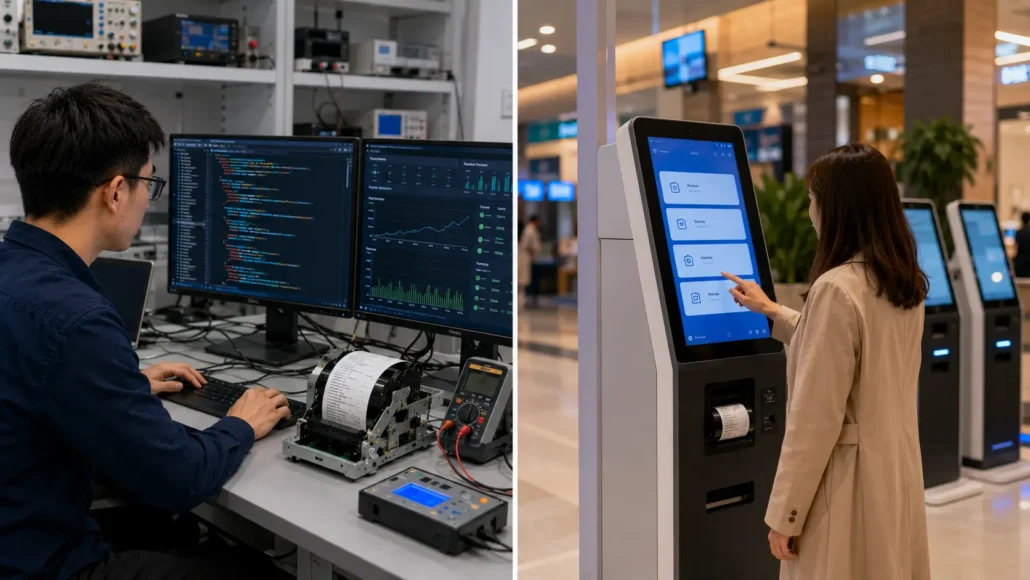
Remote Monitoring In Large Kiosk Deployments
Why Central Monitoring Matters
When companies deploy hundreds or thousands of kiosks, visiting every machine physically is not practical.
Professional deployments often require remote monitoring capability.
The system may collect:
- printer operating status
- error records
- paper condition
- transaction failures
Example Remote Monitoring Workflow
Kiosk Terminal -> Printer Status API -> Local Application -> Cloud Monitoring Platform -> Operation Team DashboardThe operation team can identify:
- which kiosk has printer issues
- when maintenance is required
- whether failures are increasing
Preventing Downtime Before Users Notice
A good monitoring system changes maintenance from:
Reactive Maintenance
Customer reports problem -> Technician visits -> Problem fixed
into:
Preventive Maintenance
System detects warning -> Operator receives notification -> Maintenance scheduled -> Customer impact reduced
This difference becomes very important in large unattended deployments.
SDK Testing Before Mass Deployment
Why Laboratory Testing Is Not Enough
A printer can pass a basic bench test and still create problems after installation.
The reason is simple:
The real kiosk environment is more complex.
Real deployment includes:
- continuous operation
- real users
- changing workloads
- limited maintenance access
- different environmental conditions
Recommended SDK Testing Process
Phase 1: Basic Function Test
Verify:
- printer connection
- initialization
- basic printing
- cutting function
Goal:
Confirm communication works.
Phase 2: Application Integration Test
Test:
- real software workflow
- print queue management
- transaction completion
Example:
Self-ordering kiosk:
Customer Order -> Payment Completed -> Order Confirmed -> Receipt Printed -> Customer Collects ReceiptThe printer should complete the full workflow correctly.
Phase 3: Error Handling Test
Simulate:
- paper empty
- communication interruption
- printer restart
- cover opening
Confirm:
- software detects the issue
- correct message appears
- recovery process works
Phase 4: Stress Testing
High-volume systems should test:
- continuous printing
- repeated transactions
- long operating periods
Example:
A restaurant kiosk may process hundreds of orders daily.
A parking kiosk may operate 24 hours continuously.
The printer should be evaluated under realistic workload.
Phase 5: Field Simulation Test
Before mass production, test:
- final kiosk cabinet
- actual receipt format
- real paper roll
- actual user interaction
Because many problems appear only after integration.
Common Kiosk Printer SDK Integration Mistakes
Mistake 1: Choosing Hardware Before Checking SDK Resources
This happens frequently.
The team selects a printer model first.
Later they discover:
- missing Linux support
- unavailable API documentation
- limited status functions
Better Approach:
Evaluate SDK capability during the hardware selection stage.
Mistake 2: Testing Only Basic Printing
A simple:
“print one receipt successfully”
does not represent a real deployment.
Professional testing should include:
- repeated printing
- error detection
- recovery process
- status feedback
Mistake 3: Ignoring Printer Status Feedback
Some systems only send print commands.
They do not check:
- paper status
- printer errors
- communication condition
This creates silent failures.
Mistake 4: Developing Software Before Confirming Communication Protocol
Different printers may use:
- standard commands
- manufacturer SDK
- customized protocol
If the software architecture is created too early, redesign may be required later.
Mistake 5: Ignoring Maintenance Workflow
A kiosk is not only used by customers.
Operators also interact with it.
Consider:
- how paper replacement is detected
- how errors are cleared
- how the system resumes operation
Real Deployment Lessons From Self-Service Systems
Lesson 1: Integration Problems Usually Appear After Deployment
Many projects work perfectly during prototype testing.
Problems appear months later:
- software updates
- increased transaction volume
- remote maintenance requirements
Long-term stability requires more than successful initial printing.
Lesson 2: Printer Reliability Depends On System Coordination
The printer is only one part of the kiosk.
A stable system requires coordination between:
- application software
- operating system
- controller
- printer SDK
- hardware module
A problem in any layer may affect the user experience.
Lesson 3: Status Feedback Reduces Operational Cost
A printer without status visibility creates uncertainty.
Operators may not know:
- whether paper is empty
- whether communication failed
- whether intervention is required
Good SDK support reduces unnecessary service visits.
Lesson 4: Integration Support Matters During Project Expansion
A prototype may involve:
5 units.
A commercial rollout may involve:
500 units.
At that stage, engineering support becomes much more important.
Teams need:
- stable SDK resources
- technical documentation
- troubleshooting support
- firmware compatibility
SNRO Engineering Perspective
In real self-service projects, the printer SDK is not simply a software accessory.
It is part of the complete kiosk reliability system.
A professional kiosk printer solution should provide:
Hardware Compatibility
Including:
- printer mechanism
- interface
- controller compatibility
Software Integration Support
Including:
- SDK resources
- API documentation
- sample code
- command references
Deployment Support
Including:
- prototype testing
- troubleshooting
- long-term project communication
Integration Evaluation Summary
Before approving a kiosk printer for production, system integrators should confirm:
| Category | Evaluation Points |
|---|---|
| Hardware | Printer structure matches kiosk design |
| Communication | Interface works with controller |
| SDK | Development resources available |
| API | Printing and status functions supported |
| OS | Windows/Linux/Android compatibility |
| Testing | Real workflow verified |
| Deployment | Maintenance strategy considered |
SNRO Kiosk Printer SDK Integration Support
Supporting System Integrators From Prototype To Deployment
Selecting a kiosk printer is not only a hardware decision.
For professional self-service projects, successful deployment requires coordination between:
- mechanical design
- embedded hardware
- software development
- printer communication
- maintenance workflow
SNRO supports system integrators and OEM manufacturers throughout the integration process.
Hardware Evaluation Support
Before software development begins, SNRO helps project teams evaluate:
Printer Structure
Including:
- 58mm / 60mm / 80mm printing format
- embedded installation
- panel mount design
- presenter mechanism
- auto cutter structure
Interface Compatibility
Including:
- USB
- RS232
- Ethernet
- other project-specific requirements
Application Requirements
Including:
- receipt format
- ticket size
- transaction volume
- kiosk environment
The objective is to select a printer platform that matches the complete kiosk system.
Software Integration Support
SNRO integration support focuses on reducing development risk.
Typical support areas include:
Communication Method Review
Confirm:
- communication protocol
- interface compatibility
- command structure
SDK Resource Evaluation
Including:
- SDK package
- API documentation
- command references
- sample programs
Development Testing
Support evaluation includes:
- connection testing
- printing verification
- status feedback testing
- prototype validation
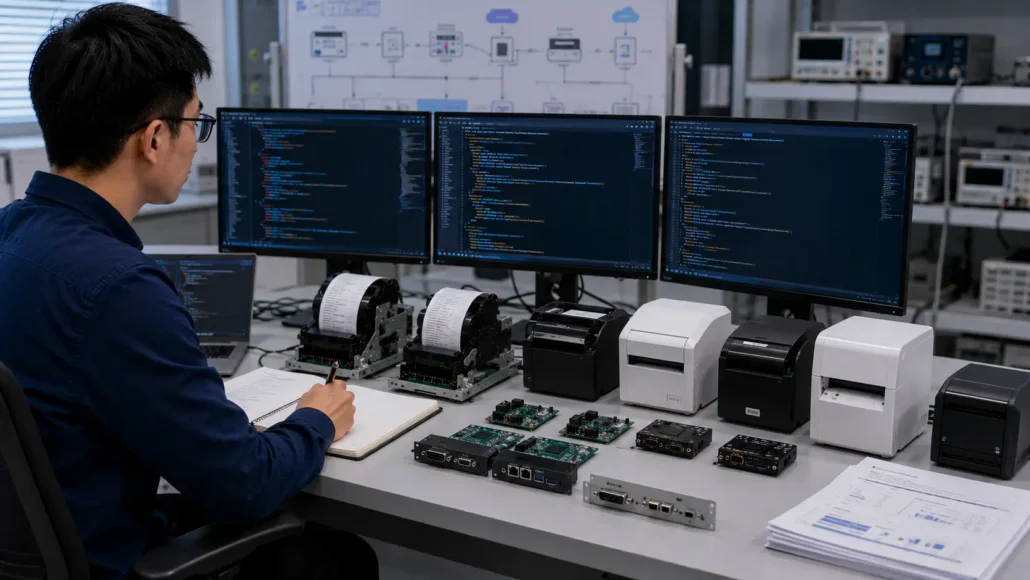
Recommended SNRO Kiosk Printer Platforms For SDK Integration
Different kiosk projects require different integration approaches.
The following models can be considered as starting points during engineering evaluation.
SNR-KP803 Series
80mm Embedded Thermal Kiosk Printer For Commercial Self-Service Systems
The SNR-KP803 Series is designed for applications requiring:
- 80mm receipt format
- embedded installation
- stable long-term operation
Typical applications:
- self-checkout kiosks
- self-ordering terminals
- payment kiosks
- healthcare kiosks
- ticketing systems
Suitable integration scenarios:
- Windows kiosk systems
- Linux-based embedded terminals
- OEM self-service platforms
SNR-EP8303 / EP8304 / EP8305 Series
Panel Mount Printer Platform For Compact Kiosk Integration
Designed for:
- front panel installation
- compact terminal structures
- customized kiosk designs
Typical applications:
- visitor management kiosks
- access control terminals
- compact ordering kiosks
- service terminals
Integration advantages:
- direct panel installation
- easier paper access planning
- flexible OEM integration
SNR-KP802-VX
Presenter Printer Platform For Unattended Applications
Presenter printers are designed for projects where receipt handling control is important.
Typical applications:
- parking payment kiosks
- ticket vending machines
- banking terminals
- unattended payment systems
Suitable when the project requires:
- controlled receipt delivery
- reduced early pulling problems
- improved user interaction reliability
SNR-KP602 Series
Compact Printer Platform For Space-Limited Terminals
Suitable for:
- queue systems
- visitor kiosks
- access terminals
- compact self-service equipment
Recommended when:
- receipt content is simple
- installation space is limited
- compact integration is required
How To Select A Kiosk Printer SDK Platform
Before finalizing a printer platform, engineering teams should review:
| Evaluation Area | Questions |
|---|---|
| Application | What does the kiosk print? |
| Software | Which operating system is used? |
| Interface | USB, RS232, Ethernet or other? |
| SDK | Are APIs and development resources available? |
| Protocol | ESC/POS or custom commands? |
| Status | Can software monitor printer conditions? |
| Deployment | How will maintenance be handled? |
Frequently Asked Questions
What is a kiosk printer SDK?
A kiosk printer SDK is a software development package that allows kiosk applications to communicate with and control an embedded thermal printer.
It may include:
- API documentation
- drivers
- command references
- sample code
- development tools
Why is SDK support important for kiosk printer integration?
Because commercial kiosks require more than basic printing.
The software may need to control:
- printing functions
- paper status
- error detection
- recovery processes
- remote maintenance
A complete SDK reduces development complexity and improves deployment reliability.
What operating systems should a kiosk printer SDK support?
Common kiosk platforms include:
- Windows
- Linux
- Android
The correct platform depends on the kiosk controller and application architecture.
Does ESC/POS support make printer integration easier?
Yes.
ESC/POS compatibility can simplify development because many thermal printing functions use standardized command structures.
However, professional kiosk systems still require:
- status feedback
- SDK support
- error handling
- testing resources
What should developers test before mass deployment?
Recommended tests include:
- communication stability
- repeated printing
- paper detection
- cutter operation
- error recovery
- real kiosk workflow testing
Can kiosk printers support remote monitoring?
Yes, when the printer and software architecture provide sufficient status information.
Remote monitoring can help operators identify:
- printer errors
- paper problems
- communication failures
before users experience service interruptions.
What information should I provide when requesting kiosk printer SDK support?
For engineering evaluation, provide:
- kiosk application
- receipt sample
- printer installation method
- operating system
- communication interface
- expected deployment quantity
This allows a more accurate printer and integration recommendation.
Need Help Evaluating A Kiosk Printer SDK For Your Project?
Get Engineering Support Before Starting Development
A successful kiosk printer integration starts before coding begins.
Share your project information:
- kiosk application
- receipt or ticket sample
- operating system
- communication interface
- expected deployment quantity
SNRO can help evaluate:
- suitable printer platform
- SDK requirements
- integration approach
- prototype testing direction
Request A Kiosk Printer Integration Review
Submit Your Project Details
Get assistance with:
✓ Printer model selection
✓ SDK and interface evaluation
✓ Prototype integration planning
✓ Deployment preparation
Related Resources
Kiosk Printer Knowledge Center
Technical Integration Guides
- Linux Kiosk Printer Integration Guide
- Kiosk Printer Driver & SDK Download Center
- ESC/POS Thermal Printer Command Guide
Application Solutions
- Parking Ticketing Hardware Solution
- Self-Checkout Hardware Solution
- Self-Ordering Kiosk Hardware Solution
- Hotel Self Check-In Hardware Solution
- Ticket Vending Machine Hardware Solution